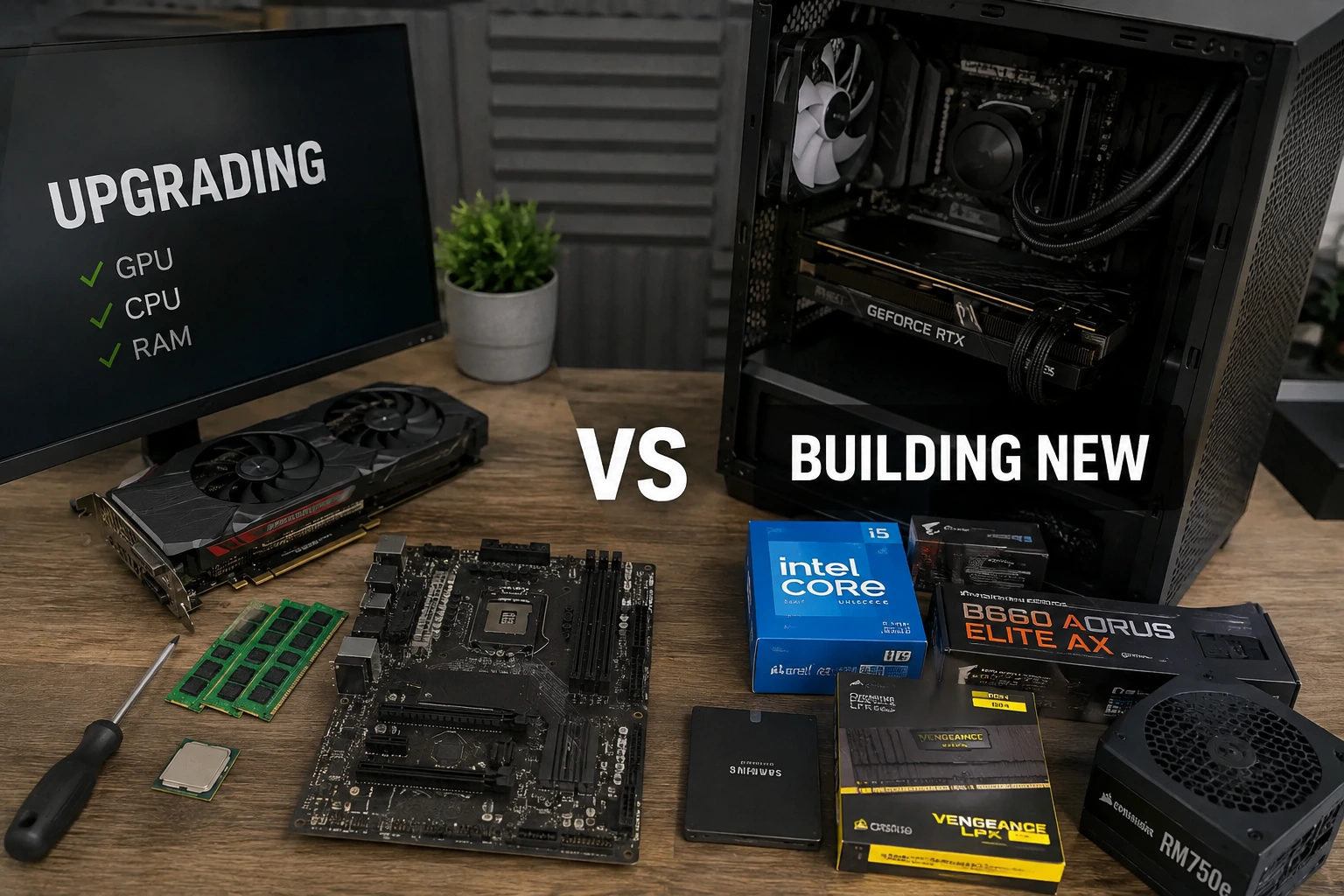
In 2026, a GPU or RAM upgrade is worth it if your CPU and motherboard are less than about four years old and still support current PCIe and DDR generations. If your platform is older than that — different CPU socket, DDR4-only board, a PSU under 650W, or a case that can't handle modern thermals — a single-part upgrade usually just moves the bottleneck somewhere else, and a full rebuild ends up cheaper per frame than piecing in expensive new hardware around an aging core.
What Actually Happens When You Upgrade a PC
Most people think of a PC upgrade as swapping one box for a better box. That's not really what happens. Every component in a desktop talks to the others through a fixed set of physical and electrical rules — the socket the CPU sits in, the number of PCIe lanes the chipset hands out, the RAM controller built into the processor die, the wattage curve the power supply was designed around. Change one part and you're not just adding performance, you're renegotiating that whole conversation.
This is why a $700 GPU can sometimes deliver almost nothing in a five-year-old system, while the same card transforms a two-year-old one. The card itself hasn't changed. What changes is whether the rest of the platform can actually feed it data fast enough, keep it powered under full load, and get out of its way.
GPU Upgrades: When the Money Actually Shows Up On Screen
A graphics card upgrade is the most common first move, and for good reason — it's usually the single biggest visual jump per dollar. But its value depends entirely on three things sitting behind it: the CPU, the PCIe generation of the motherboard, and how much VRAM the games you actually play now demand.
Modern titles have pushed VRAM requirements up faster than most people expect. If you haven't looked at where that line sits lately, our breakdown of whether 16GB VRAM is the new minimum for 1080p and 1440p gaming is worth reading before you buy anything — it changes which cards are actually worth the upgrade and which ones will bottleneck in a year.
GPU Upgrade Scenarios
| Your Situation | Verdict | Why |
|---|---|---|
| CPU is 2 generations old, PCIe 4.0 board | Upgrade the GPU | Plenty of headroom, minimal bottleneck, PCIe 4.0 x16 barely limits even high-end cards |
| CPU is 5+ years old, PCIe 3.0 board | Wait or rebuild | New GPUs get CPU-limited badly in modern titles; you'll pay for performance you can't use |
| Current GPU has 8GB VRAM, plays new AAA titles | Upgrade the GPU | VRAM is now a hard wall in several 2026 releases, not just a comfort margin |
| PSU is under 650W, non-modern efficiency rating | Budget for a new PSU too | Modern GPUs have sharp transient power spikes older units weren't built to handle |
If your budget is tight and you're weighing which card actually makes sense at your price point, our guide to the best budget GPU for 1440p gaming in 2026 lays out what's realistically worth buying this month rather than what's simply on sale.
CPU Upgrades: The Socket Problem Nobody Explains Well
This is where upgrade budgets get destroyed. A CPU isn't just a chip you can drop into any board — it has to physically and electrically match the socket, and the socket has to match a specific chipset generation that supports it in the BIOS. Intel and AMD handle this very differently, and it changes the entire math of upgrading versus rebuilding.
Intel has cycled through several sockets in the last few years, and current Core Ultra desktop chips use LGA1851, which is not backward compatible with the older LGA1700 socket — meaning a "simple" CPU upgrade on an Intel system often forces a new motherboard, new RAM, and sometimes a new cooler mount along with it.
AMD has taken the opposite approach. The AM5 platform, introduced in 2022, has now been extended by AMD to receive new processor support through at least 2029, which means a Ryzen system bought today can realistically absorb two or three future CPU generations without touching the motherboard. That single fact is often the deciding factor between "upgrade" and "rebuild" for anyone on an AM5 board.
For a clearer picture of how CPU, motherboard, RAM, and GPU choices actually pair together without wasting money on a mismatched combo, see our guide on the best CPU, RAM, motherboard, and GPU combos for gaming in 2026.
The Real Question: Is Your CPU the Bottleneck, or the Platform?
- CPU bottleneck — same socket, newer chip available, motherboard already supports the required chipset and BIOS version. Cheap fix.
- Platform bottleneck — different socket entirely, DDR4-only board, PCIe 3.0 lanes. This isn't a CPU upgrade anymore, it's a new motherboard, new RAM, and often a new cooler — effectively a rebuild wearing an upgrade's clothing.
RAM: The Upgrade That Looks Cheap But Isn't Always Simple
RAM upgrades feel like the easy win — pop in more sticks, done. But generation compatibility is absolute. DDR4 and DDR5 are not interchangeable, not electrically and not even physically; the notch position on the module is different on purpose so you can't force it. If your board only supports DDR4, "upgrading" your RAM means buying faster DDR4, not jumping to DDR5, unless you're also replacing the motherboard.
Whether that jump is even worth the money right now is genuinely debatable. We covered the actual price-to-performance gap in DDR5 vs DDR4 in 2026: is upgrading worth it, and the short version is that DDR5 pricing has moved a lot this year, which changes the calculus depending on when you're reading this. If your system already runs DDR4 comfortably at 32GB, there are real arguments for holding off — some of them explored in our piece on whether switching to older RAM standards ever makes sense in 2026, which is a useful read if budget is the main constraint. RAM pricing itself has also been unusually volatile lately, which we broke down in why RAM prices are rising in 2026 — worth checking before you commit to a kit.
Every current DDR5 module still has to comply with JEDEC's official DDR5 standards, which is what guarantees a stick from one brand will actually run stable next to one from another. Overclocked "XMP" or "EXPO" kits push past those baseline JEDEC speeds, which is great for performance but worth knowing when you're troubleshooting stability after an upgrade.
The Costs Nobody Budgets For: PSU, Storage, and Thermals
This is where most upgrade budgets quietly blow up. People price the GPU, price the CPU, and forget that the parts holding the system together have their own limits.
Power Supply
Newer GPUs don't just draw more average power — they spike sharply under load, and older PSUs, even ones rated for enough total wattage, weren't built with those transient spikes in mind. Looking for an 80 PLUS certified unit at Gold or higher isn't just about efficiency; it's a decent proxy for build quality and how cleanly the unit handles load swings.
Storage and Thermals
A new GPU paired with an old SATA SSD, or worse a hard drive, will show stutter in texture-heavy games regardless of how strong the card is — that bottleneck just moves from the GPU to storage. Similarly, a case with two case fans and no front intake will throttle a modern CPU or GPU under sustained load no matter how good the silicon is. These aren't optional line items; they're part of what "upgrading the GPU" actually costs if you're honest about it.
Operating System Compatibility
If your upgrade path includes moving to a newer CPU generation, double check it against Microsoft's official Windows 11 hardware requirements, including TPM 2.0 and Secure Boot support — older boards that technically still work can hit a wall here that has nothing to do with raw performance.
When a Full Rebuild Actually Wins
There's a point where upgrading stops being smart and starts being expensive denial. Here's roughly how that plays out by system age.
| System Age | Typical Bottleneck | Better Move |
|---|---|---|
| 0–2 years | Usually just the GPU or VRAM | Targeted upgrade — great return |
| 3–4 years | CPU + RAM generation together | Upgrade if same socket, rebuild if socket changed |
| 5–6 years | Socket, chipset, PCIe generation, PSU | Rebuild the core (CPU, board, RAM); reuse GPU, case, storage if healthy |
| 7+ years | Everything, including PSU safety margins | Full rebuild — piecemeal upgrades cost more per frame than starting fresh |
If you land in that rebuild zone, it's worth planning the whole build around your actual budget rather than upgrading in a panic. Our best budget gaming PC builds for late 2026 guide breaks down where the money should go first when you're starting from zero instead of patching an old system.
Upgrade vs Rebuild: Pros and Cons
Upgrading Individual Parts
- Pros: Lower upfront cost, less disruption, reuses a case and peripherals you already like, can be spread out over months.
- Cons: Risk of hidden bottlenecks, socket and chipset limits can force a bigger spend than planned, mixing old and new parts sometimes creates instability that's hard to diagnose.
Full Rebuild
- Pros: Everything matched and balanced, no compatibility guesswork, clean warranty on every core part, usually a much bigger real-world performance jump.
- Cons: Higher upfront cost, more downtime, you lose the option to spread spending out gradually.
Alternatives Worth Considering
- Used or refurbished CPU + motherboard bundles — often the cheapest way to jump sockets without paying full retail for a new platform.
- Selling the old GPU instead of shelving it — used GPU prices hold up reasonably well and can offset a large chunk of a new card's cost.
- A partial rebuild — keep the case, PSU (if it's healthy and modern enough), storage, and peripherals; replace only CPU, board, RAM, and GPU together as a matched set.
- Waiting a generation — if you're right at the edge of "worth it," sometimes the smarter move is genuinely to wait for prices to settle rather than upgrade into a platform that's about to be replaced anyway.
Final words and advice
Upgrade if: your CPU socket and RAM generation are current, your PSU has healthy headroom, and the bottleneck is clearly isolated to one part — usually the GPU or VRAM.
Rebuild if: your platform is older than four to five years, you're facing a socket change to get any meaningful CPU improvement, or more than two "hidden cost" items (PSU, storage, thermals, OS compatibility) need fixing at the same time.
The single biggest mistake people make isn't choosing wrong between these two paths — it's not checking which one they're actually in before they start spending. A $600 GPU dropped into a platform that can't feed it properly isn't a smart upgrade, it's an expensive bottleneck with extra steps.
Frequently Asked Questions
Is it worth upgrading just the GPU without touching the CPU?
Yes, as long as your CPU is no more than about two generations behind and running on PCIe 4.0 or newer. Beyond that, you'll often loose a meaningful chunk of the new GPU's performance to CPU bottlenecking, especially at 1080p and 1440p where the CPU matters more than at 4K.
Can I mix DDR4 and DDR5 RAM in the same system?
No. It's not a performance issue, it's a physical one — the notch on DDR4 and DDR5 modules sits in a different position specifically so they cannot be installed in the wrong slot type. Your motherboard supports one or the other, never both.
How do I know if my power supply can handle a new GPU?
Check the GPU manufacturer's recommended PSU wattage, then add a safety margin rather than buying to the exact minimum. An 80 PLUS Gold-rated unit with headroom above the recommended wattage handles power spikes far more reliably than an older, borderline-rated unit running near its limit.
Does upgrading RAM speed actually matter for gaming?
It matters more for some CPU architectures than others, and the gains are usually modest rather than dramatic — often single-digit percentages in most games. Capacity and generation compatibility matter more than chasing the highest MHz number on the box.
Is a 5-year-old PC too old to upgrade at all?
Not always, but at that age you're almost always looking at a socket and RAM generation change to get a meaningful CPU improvement, which pulls the motherboard in too. At that point, pricing out a targeted rebuild of the core three components — CPU, board, RAM — while keeping the case, storage, and PSU if they're still healthy, is usually the more honest comparison.
Should I upgrade before or after a big new game releases?
Before, if you can plan for it — requirements for major releases tend to raise the bar on VRAM and CPU expectations well before launch, and buying in a rush right after release usually means paying inflated prices during a demand spike.


Comments 0
Be the first to comment!