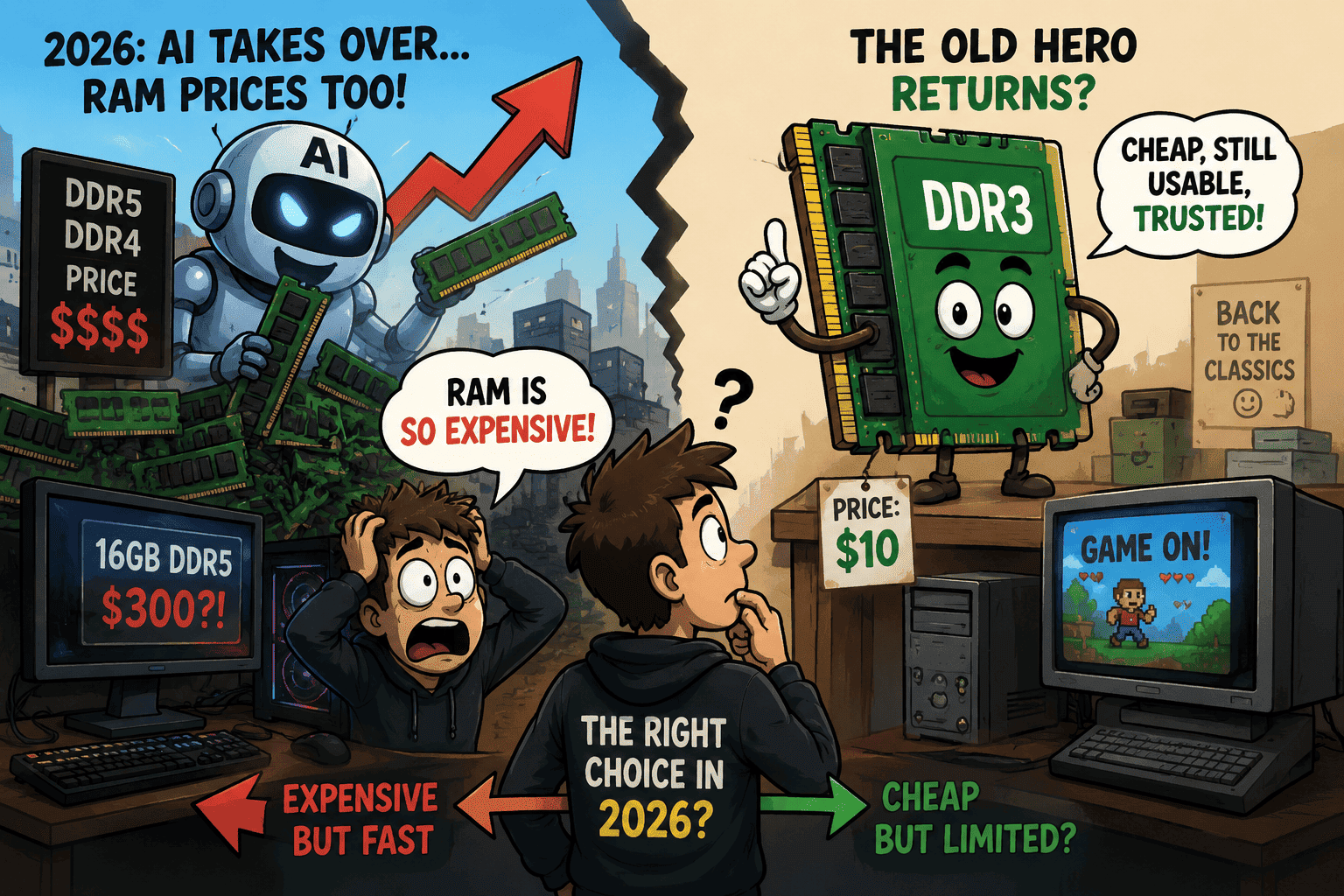
Somebody in a Reddit thread or a Discord server has probably already told you to "just buy DDR3, it's dirt cheap." On paper it sounds like a clean escape hatch from the RAM crisis: skip the inflated DDR5 prices, skip the inflated DDR4 prices, and go grab memory that used to sell for pocket change. The problem is that nobody explains what actually happens once you try to do it, and it isn't the simple swap it sounds like.
This isn't a "DDR3 is bad, don't do it" article. It's a "here's what's really going on under the hood" article, because the honest answer depends on what computer you already own, what you play, and whether you're chasing a temporary fix or a permanent one.
Okay so let's jump to the fast Answer
Switching to DDR3 only makes sense if you already own a compatible motherboard and CPU from around 2011–2015. You can't drop DDR3 sticks into a modern DDR4 or DDR5 board — the platform, not just the RAM, has to change. For gaming, DDR3 systems handle esports titles and older games reasonably well at 1080p, but they struggle with 2023-and-newer AAA releases, and most DDR3-era CPUs don't officially support Windows 11. It's a legacy-hardware move, not a genuine 2026 upgrade path.
So What "Switching to DDR3" Actually Means Behind the Scenes
Here's the part most casual advice skips entirely. RAM isn't a universal part like a hard drive or a mouse. It's physically and electronically tied to your motherboard's memory controller, and since Intel's Sandy Bridge and AMD's Bulldozer era, that controller lives directly on the CPU die. You can't "just install DDR3" into a system built for DDR4 or DDR5 — the slots are a different shape, the pin count is different, and the CPU literally doesn't know how to talk to DDR3 electrically.
So when someone says "switch to DDR3," what they actually mean is: replace your motherboard, replace your CPU, and possibly replace your cooler and PSU connectors too, then buy DDR3 sticks to go with all of that. It's not a memory upgrade. It's a full platform downgrade, and that changes the math completely compared to what our breakdown of why RAM prices are rising in 2026 covers for people staying on modern hardware.
DDR3 vs DDR4 vs DDR5 in 2026: The Real Numbers
| Spec | DDR3 | DDR4 | DDR5 |
|---|---|---|---|
| Released | 2007 | 2014 | 2020 |
| Typical speed | 800–2133 MT/s | 2133–3600 MT/s | 4800–8000+ MT/s |
| Voltage | 1.5V (1.35V for DDR3L) | 1.2V | 1.1V |
| Max module capacity | ~8–16GB | up to 128GB | up to 256GB |
| Newest supporting CPUs | Intel 4th gen, AMD FX/Excavator | Intel 6th–14th gen, AMD Zen–Zen3 | Intel 12th gen+, AMD Zen4+ |
| Windows 11 support | Not officially supported | Supported (8th gen Intel / Zen+ AMD onward) | Fully supported |
Notice the bandwidth gap. Even the fastest DDR3-2133 kit tops out around where entry-level DDR4 starts, and DDR5 is operating in an entirely different tier. That gap is the entire story of why DDR3 gaming performance falls apart on newer titles, which we'll get into shortly.
The Compatibility Wall Nobody Mentions
This is the single biggest reason DDR3 isn't a real "solution" for most people, even a budget-conscious one. You need a matching triangle of motherboard, CPU, and RAM, and that triangle stopped being manufactured new years ago.
Intel platforms that still take DDR3
Realistically, you're looking at Sandy Bridge (2nd gen), Ivy Bridge (3rd gen), and Haswell (4th gen) — chips like the i5-2500K, i7-3770K, or i7-4790K, paired with chipsets like Z77, H81, B85, or Z97. Anything newer moved to DDR4.
AMD platforms that still take DDR3
On the AMD side you're looking at the old AM3+ and FM2+ sockets — FX-series chips like the FX-8350 or FX-9590, and A-series APUs. Every Ryzen CPU released since 2017 requires DDR4 or DDR5, so if your rig runs Ryzen, DDR3 simply isn't an option no mater how badly you want it to be.
Windows 11 Is the Silent Dealbreaker
Even if you find a perfectly working DDR3 system, there's a software wall waiting for you. According to Microsoft's official Windows 11 requirements, the OS needs TPM 2.0 and, for Intel, an 8th-generation Core processor or newer — AMD's cutoff sits around the Zen+ Ryzen 2000 series. Every CPU that natively runs DDR3 predates that line by several generations.
You can technically bypass this with registry hacks or third-party tools, but you're then running an unsupported configuration for security updates, which is a real risk for anything connected to the internet. Realistically, a DDR3 build means staying on Windows 10, which reached end of support in October 2025, or living with an unofficial Windows 11 install.
What DDR3 Actually Does to Modern Games
This is where the "cheap alternative" narrative usually falls apart, and it's worth being precise instead of vague about it.
Where DDR3 still holds up
- Esports titles like CS2, Valorant, League of Legends, and older Dota 2 builds at 1080p on lower settings
- Older AAA games from roughly 2012–2019
- Emulation for older console generations
- Indie games and 2D titles, which rarely stress memory bandwidth
- General browsing, office work, and media consumption
Where it falls apart
Modern AAA games built for 2023 and later are tuned around DDR4-level bandwidth as a baseline, and many now assume 16GB as the practical floor. DDR3's bandwidth ceiling — roughly 12.8GB/s on a DDR3-1600 dual-channel kit — forces the CPU to sit idle waiting for data, which shows up as frame-time spikes and stutter even when the average FPS counter looks acceptable. Real-world testing from hardware sites benchmarking DDR3 platforms against DDR4 in 2026 has consistently shown 30–50% lower performance in CPU-bound, memory-sensitive titles, and the gap widens further in open-world games with heavy asset streaming.
There's also a compounding problem: DDR3-era CPUs like the i7-4790K or FX-8350 are themselves slow by 2026 standards, so you're stacking an old, weaker CPU on top of old, slower memory. It's not one bottleneck, it's two stacked on top of each other, which is a very different situation from the GPU-side shortage we've covered for budget 1440p builds, where the graphics card is usually the limiting factor instead.
Power Efficiency: The Quiet Cost
DDR3 runs at 1.5V (or 1.35V for the DDR3L variant), compared to DDR4's 1.2V — roughly a 20% efficiency gap, according to Digital Trends' breakdown of DDR3 versus DDR4. In practical terms, a 16GB DDR3 kit under load might draw a few extra watts compared to its DDR4 equivalent. That's not going to wreck your electricity bill on its own, but paired with an older, less efficient CPU and a motherboard that lacks modern power-saving states, a full DDR3-era rig genuinely does run hotter and less efficiently than a modern budget build doing the same job.
Is DDR3 Actually Cheap in 2026? The Availability Problem
Here's the part that surprises people: DDR3 isn't immune to the shortage anymore either. Reports from WCCFTech tracking Q3 2026 memory contract pricing show that as DDR4 and DDR5 supply gets squeezed, some of that demand has genuinely started spilling into legacy DDR3 production, pushing its pricing up too. Windows Central reported that DDR3 motherboard sales in China jumped two to three times over in early 2026, as buyers priced out of DDR4 and DDR5 went hunting for older stock, and high-density DDR3 modules have been reported in tight supply. In other words, the "DDR3 is basically free" assumption that was true in 2022 or 2023 doesn't fully hold anymore. It's still cheaper than DDR4 or DDR5 per gigabyte, but the gap has narrowed, and used motherboard and CPU inventory on secondhand markets is shrinking fast as more people chase the same idea.
Pros and Cons of Switching to DDR3
| Pros | Cons |
|---|---|
| Genuinely cheap per gigabyte, even after 2026 price bumps | Requires a full platform swap, not just RAM |
| Works fine for esports, older games, and everyday tasks | 30–50% weaker in modern AAA titles |
| Extends the life of hardware you already own | No official Windows 11 support |
| No compatibility drama if you're already on a DDR3 board | New DDR3 stock and boards are drying up fast |
| Simple, low-risk way to keep an old PC useful | Two stacked bottlenecks: old CPU and old RAM together |
Verdict Box
DDR3 is a preservation strategy, not a purchasing strategy. It makes sense for keeping hardware you already own alive a little longer. It does not make sense as something to go out and buy new components for in 2026, because the platform and software limitations end up costing you more in performance and hassle than you save in dollars.
Who Should Actually Consider DDR3 in 2026
- You already own a DDR3 system and just want to top up capacity from 8GB to 16GB without spending much — this is the only scenario where it's a clean win.
- You're reviving an old PC for a kid, a relative, or a secondary browsing machine, where esports-level or older-game performance is genuinely enough.
- You repair or resell PCs and need cheap, working parts for machines that are already DDR3-based.
- You're not a gamer at all and mainly need something for browsing, documents, and streaming video.
If none of those describe you — especially if you're starting from scratch or currently on a DDR4 or DDR5 machine — buying into DDR3 in 2026 usually isn't the money-saver it looks like.
Smarter Alternatives to Downgrading to DDR3
Before committing to a full DDR3 platform swap, it's worth weighing a few other paths through the shortage. If your current board already supports DDR4, staying there and buying only the capacity you actually need is usually the better move — our guide to the 2026 RAM price spike breaks down exactly how to shop smart in this market without overspending.
If you're building fresh and flexibility matters less than getting playable performance today, it's also worth comparing a handheld gaming PC against a traditional tower. Our look at the Legion Go 2 versus the Steam Deck covers devices that sidestep the RAM shortage entirely with fixed, soldered memory. And if you're torn between building your own rig or buying something pre-configured, our comparison of Valve's Steam Machine against a traditional gaming PC digs into a similar cost-versus-performance tradeoff.
Last Words..
DDR3 isn't a scam and it isn't useless, but it's also not the clever workaround the RAM crisis makes it sound like. It only works if the hardware puzzle already fits together in your favor, and even then you're trading real gaming performance and OS support for savings that have gotten smaller as DDR3 pricing creeps up too. For most ordinary users and gamers heading into the rest of 2026, the better move is buying only the DDR4 or DDR5 capacity you actually need, not chasing a decade-old standard that's running out of runway.
Frequently Asked Questions
Can I put DDR3 RAM in a DDR4 or DDR5 motherboard?
No. The slots are physically different shapes with different pin counts, and the memory controller on modern CPUs can't communicate with DDR3 electrically. You'd need an entirely different motherboard and CPU.
Is DDR3 good enough for gaming in 2026?
It's fine for esports titles and older games at 1080p on modest settings. It struggles noticeably with AAA games released from 2023 onward, where bandwidth limits cause stutter and frame-time spikes even if average FPS looks okay on paper.
Will a DDR3 PC run Windows 11?
Not officially. Windows 11 requires TPM 2.0 and an 8th-generation Intel Core CPU or a Zen+ Ryzen chip or newer, and DDR3-era CPUs predate that cutoff. Unofficial workarounds exist but leave the system without guaranteed security updates.
Is DDR3 still cheap in 2026?
Cheaper than DDR4 or DDR5 per gigabyte, yes, but not immune to the broader memory shortage. Reports through mid-2026 point to rising DDR3 prices too, along with shrinking availability of compatible used motherboards.
What's a realistic alternative if I can't afford new DDR4 or DDR5?
Buy only the capacity you actually need rather than "future-proofing," check whether your current board already supports cheaper DDR4, and consider certified refurbished parts from sellers with real return policies before jumping platforms entirely.
Does upgrading to DDR3 save money compared to a modern budget build?
It can save money upfront on RAM itself, but once you add a compatible motherboard and CPU, the total often lands close to a basic modern budget setup, while delivering noticeably weaker gaming performance and no official OS support.


Comments 0
Be the first to comment!