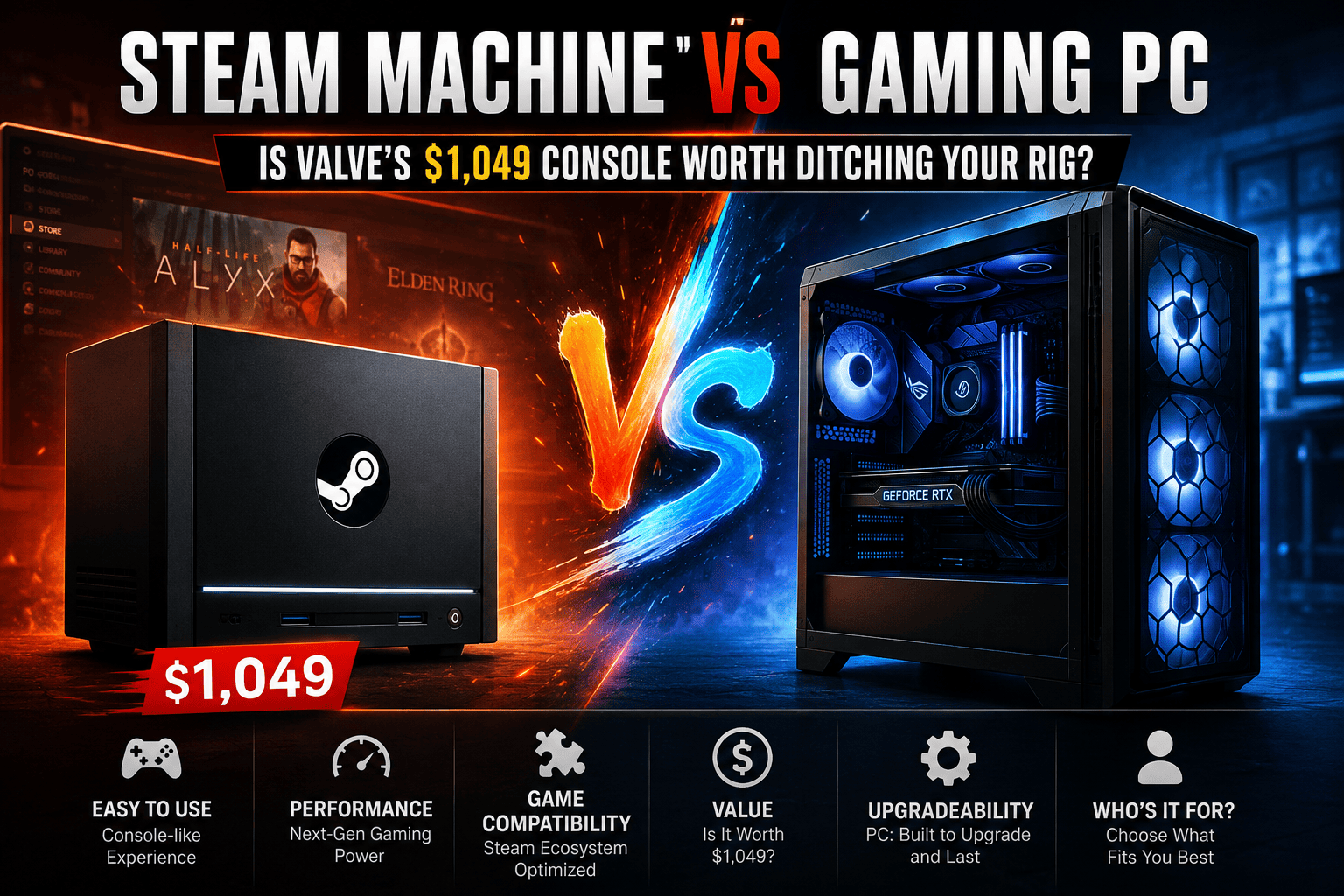
In case you require a Steam machine that will work on your television without requiring any drivers to be installed, the $1,049 Steam Machine by Valve will give you one way to reach your goal faster than anything else. However, it will not win against an equally priced PC in terms of pure FPS, it will not be able to execute any non-Steam applications, and the graphics processor is permanently soldered onto it.
Just what constitutes a Steam Machine?
Valve’s first living room console was released in 2015 but failed. This new 2026 iteration is much more refined: it is essentially a 6-inch black cube running SteamOS, the same Linux operating system used by the Steam Deck. It debuted on June 29, 2026.
At the core of the machine is a partially customized AMD processor featuring a Zen 4 architecture CPU which has 6 cores and 12 threads with a maximum clock speed of 4.8GHz. There’s a RDNA 3 GPU featuring 28 compute units. The device features 16GB of DDR5 system memory along with 8GB of GDDR6 video memory. With the base variant offering 512GB of storage capacity without the controller, the starting price is set at $1,049 while going up to $1,428 for the 2TB model with the custom-built Steam Controller.
If you follow hardware releases regularly, this is exactly the kind of launch worth tracking in our Technology & PC Games section, since pricing on these things tends to shift once initial stock settles.
Steam Machine vs Gaming PC: Side-by-Side Comparison
| Category | Steam Machine ($1,049) | Comparable Gaming PC (~$1,000–1,100) |
|---|---|---|
| CPU | Semi-custom AMD Zen 4, 6C/12T, 4.8GHz | Often a full desktop Ryzen 5 or Core i5, sometimes faster |
| GPU | RDNA 3, 28 CU, roughly RTX 3060 / RX 6600 class | Dedicated RTX 4060 or RX 7600, usually a step ahead |
| Memory | 16GB DDR5 + 8GB GDDR6 VRAM (fixed pool) | 16–32GB DDR5, GPU has its own dedicated VRAM |
| Storage | 512GB or 2TB NVMe, user-replaceable | Fully swappable, any capacity you want |
| Operating System | SteamOS (Linux, Proton compatibility layer) | Windows 11, runs everything natively |
| Upgrade path | RAM and storage only, GPU/CPU are soldered | Every component is replaceable over time |
| Noise & size | Whisper-quiet, ~3 liters, fits under a TV | Varies, usually larger and louder under load |
| Best for | Living-room, couch, plug-and-play gaming | Desk setups, streaming, multitasking, competitive play |
Real-World Performance: What Reviewers Actually Measured
Here is where marketing claims and lab tests start diverging a little bit. According to Valve, the Steam Machine competes or exceeds 70% of all the hardware surveyed on Steam itself. This might seem impressive, but remember that a lot of that hardware is very outdated laptops.
The story is a little different when it comes to independent testing. GamersNexus compared the Steam Machine GPU to RX 6600, Intel B570, and RTX 3060. While these are good enough for 1080p and light 1440p, they are not top-of-the-line. Conclusion? You could build a better-performing DIY PC at the same price or cheaper.
Tom's Hardware ran Cyberpunk 2077 and clocked the Steam Machine at roughly 80 frames per second, just behind a Ryzen 7600X-based rig at around 85 fps. Close, but a definate step behind desktop-class parts.
PC Gamer was less forgiving, recording just 28 fps average in Cyberpunk 2077 at 1440p with medium ray tracing and FSR quality upscaling turned on. A budget PC built around an RTX 4060 and Core i5, they noted, pulled ahead "quite convincingly" in Black Myth: Wukong once upscaling was factored in.
The takeaway
- Expect solid 1080p performance and playable, sometimes compromised, 4K with upscaling
- Ray tracing is not this machine's strength — the RDNA 3 GPU struggles there
- A PC in the same price bracket, built with a little research, will out-frame it
Upgradeability: The Line That Actually Decides This
Steam Machine
It is worth mentioning that RAM and NVMe drives can be upgraded by the users themselves; it is uncommon for console-like devices. However, CPU and GPU are incorporated into a single semi-custom component. You cannot upgrade your graphics card to increase its speed after several years of gaming. When there is a need for additional processing power, you have to upgrade your entire system.
Gaming PC
Each of the components is replaceable. The prices go up and down, but it does not force you to choose one manufacturer. You can purchase a computer today and install an updated graphics card in 2029 without problems; none of the console-like devices, including Steam Machine, can make such promises.
Game Compatibility: SteamOS vs Windows
The SteamOS uses Proton, which is responsible for converting Windows game codes to be used on Linux. The number of games has increased significantly from when the Steam Deck was launched. Valve has started rating games according to their performance before purchasing them. Almost all single-player games and most multi-player games run well.
However, the issues come in when dealing with kernel-level anti-cheat. Most competitive shooting games that have the anti-cheat will not run on the SteamOS, and that will not change until the publishers add support for Linux. A gaming computer running Windows does not have these restrictions: it can run any game without any issue, including the game launchers other than Steam, such as Epic Games Store, Battle.net, or Xbox application titles.
Ease of Use: This Is Where the Steam Machine Wins Outright
Power it on and you're in Steam's Big Picture interface within seconds. No driver installs, no BIOS settings, no Windows updates interrupting a match. Tom's Hardware's testers noted it ran nearly silent even under sustained benchmarking, which matters a lot if the box lives three feet from your couch.
A gaming PC asks more of you upfront: driver updates, occasional troubleshooting, dust buildup over time. In exchange, you get a machine that also handles work, browsing, and creative software without a second thought.
Long-Term Value: Do the Math Before You Buy
Here's the part buyers tend to skip. A $1,049 Steam Machine is a fixed asset that depreciates as a whole unit. When its GPU falls behind, the entire box goes to resale or a drawer, and you start over at whatever Valve charges for the next model.
A PC built for a similar price spreads that cost differently. You might swap the graphics card in three years for a couple hundred dollars and keep the case, motherboard, and storage running another five. Over a decade, that flexibility usually comes out ahead financially, even accounting for the extra setup time.
Who Each One Is Actually Designed For
Get the Steam Machine if:
- You want a console-like experience without giving up your existing Steam library
- Your setup is a TV and a couch, not a desk
- You'd rather pay for simplicity than chase every extra frame
- You don't play games that require kernel-level anti-cheat
Build or buy a gaming PC if:
- You want the best performance per dollar, full stop
- You play competitive titles with strict anti-cheat requirements
- You need one machine for gaming, work, and content creation
- You want to upgrade individual parts instead of replacing the whole system later
Pros and Cons
Steam Machine
- Pros: plug-and-play setup, near-silent operation, compact size, upgradable RAM and storage, full Steam ecosystem
- Cons: soldered CPU/GPU, weaker than a same-priced PC in benchmarks, gaps in anti-cheat game compatibility, $1,049 starting price feels steep for the specs
Gaming PC
- Pros: better raw performance for the money, full upgrade path, runs every launcher and every game, doubles as a work machine
- Cons: needs setup and occasional maintenance, takes up more desk space, louder under sustained load, no console-like simplicity out of the box
Alternatives Worth Considering
- A DIY mini-ITX build — more effort, usually better frame rates for the same $1,049
- Steam Deck — if portability matters more than a TV setup
- PS5 Pro or Xbox Series X — cheaper upfront, but locked to their own storefronts
- A prebuilt gaming PC from a known brand, which skips the DIY learning curve entirely
We track new hardware launches like these regularly, so it's worth bookmarking our PC gaming coverage if you're still deciding between options before you commit real money.
Final Verdict
The Steam Machine is worth it if convenience is the feature you're actually paying for. It's not a bad piece of hardware, and Valve deserves credit for making the RAM and storage upgradable when it easily could have soldered everything. But at $1,049 for 512GB, it's competing directly with gaming PCs that outperform it, and it can't be upgraded past its GPU's ceiling. Buy it for the couch experience. Buy a PC if performance per dollar is what you're optimizing for.
Frequently Asked Questions
Is the Steam Machine cheaper than building an equivalent gaming PC?
Not really. Independent testing from outlets like GamersNexus found that a self-built PC at a similar price point matches or beats the Steam Machine's frame rates, mainly because Valve's pricing reflects 2026's memory and storage shortage rather than a discount.
Can the Steam Machine run Windows-only games?
Most Steam library titles run through Proton without issues, but some games with kernel-level anti-cheat systems currently refuse to launch on SteamOS. Check a game's Steam Machine compatibility rating before buying if you play competitive shooters.
Can you upgrade the Steam Machine's graphics card?
No. The CPU and GPU are combined into one semi-custom chip that's soldered to the board. Only the RAM and the NVMe storage drive are user-replaceable.
How does the Steam Machine compare to the PS5 Pro?
Comparisons from Notebookcheck found the Steam Machine trails the PS5 in raw specs, though it makes up ground with an open PC ecosystem and access to your existing Steam library instead of a closed storefront.
Is the Steam Machine loud under load?
No. Reviewers at Tom's Hardware noted it stayed nearly silent even during sustained benchmarking, which is a genuine advantage over most compact gaming PCs in a similar size class.
Where can I buy one?
Purchases currently go through Valve's randomized reservation system rather than a normal storefront checkout. You can check current availability directly on the official Steam Machine page.


Comments 0
Be the first to comment!