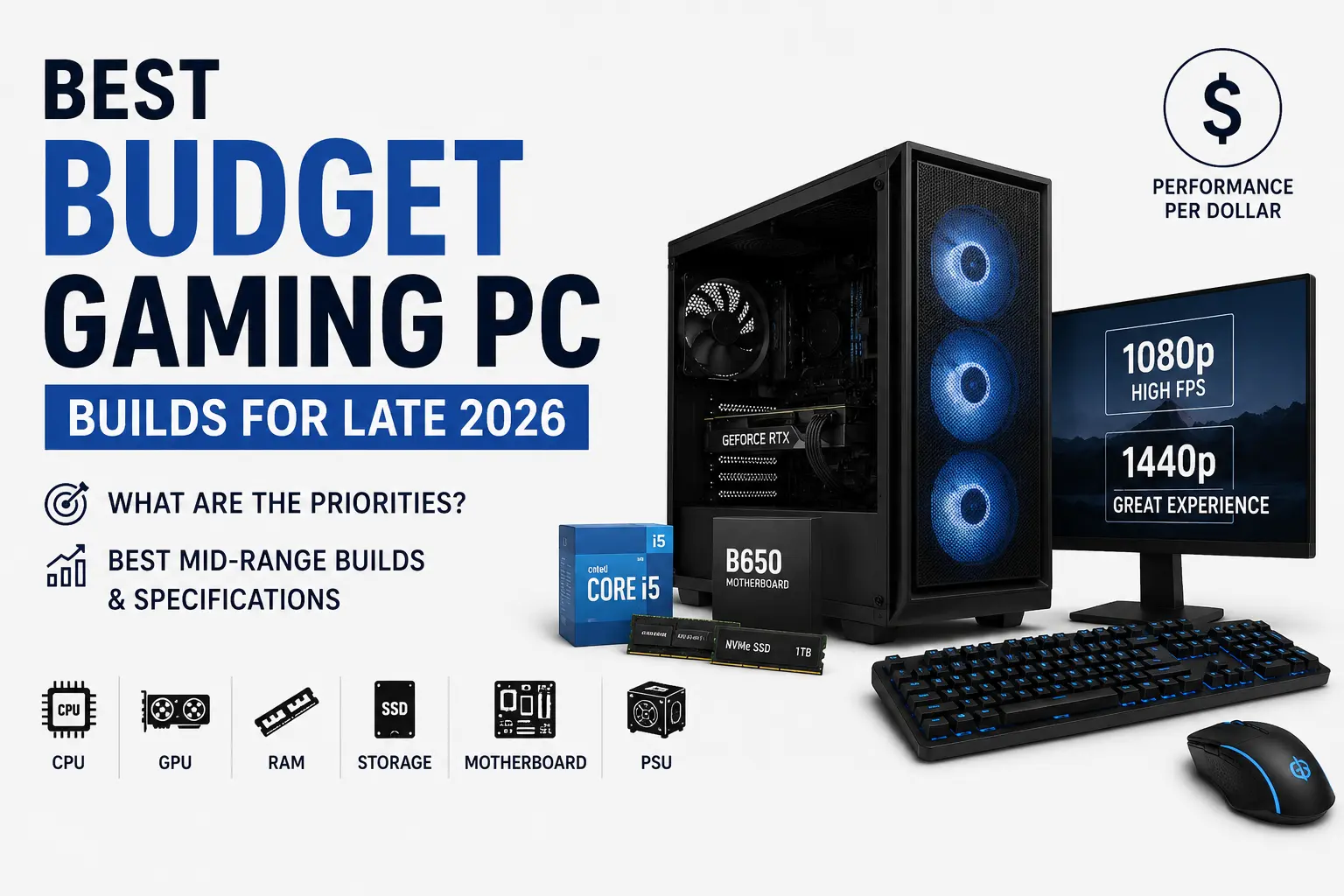
Every budget PC guide reads like a shopping list. Buy this CPU, buy that GPU, done. What almost none of them explain is why one $200 component moves your frame rate and another $200 component moves nothing at all. That gap is where most budget builders overspend without realizing it.
This guide breaks down the real priority order for a budget or mid-range gaming PC in late 2026 — where to spend more, where cheaper parts genuinely don't cost you performance, and how to put together a build that doesn't bottleneck itself.
Let's jump to fast words
If you only read one section: for a new build in late 2026, spend the largest share of your budget on the GPU, buy a CPU that matches your target resolution instead of the fastest one on the shelf, get 32GB of RAM if you can afford it, put a single fast NVMe drive over two slow ones, and never buy a cheap unbranded power supply. A $250 motherboard will not make your games run faster than a $130 one paired with the same CPU and GPU.
- 1080p budget build: roughly $700–$900, built around a Ryzen 5 7500F or Core i5-14400F and an RTX 5060 or RX 9060 XT 8GB.
- 1440p mid-range build: roughly $1,150–$1,500, built around a Ryzen 5 9600X or Core Ultra 5 245K and an RTX 5060 Ti 16GB or RX 9060 XT 16GB.
So What Budget Actually Means in Late 2026
Budget PC building looks different this year than it did two years ago, mainly because RAM pricing has been unusually volatile — a shift we tracked in detail in RAM Is the New Gold. A component that used to be an afterthought in a budget build is now genuinely competing with the GPU for a slice of the budget, which changes some of the old advice.
For this guide, "budget" means roughly $700–$1,000 for a full 1080p-focused system, and "mid-range" means roughly $1,100–$1,700 aimed at solid 1440p performance. Prices shift by region and by week, so treat these as planning ranges, not fixed prices.
The Real Spending Priority: Where Your Money Should Go First
Think of a gaming PC as a chain of parts handing work to each other. The part that actually draws the picture on your screen deserves the biggest chunk of the budget. Everything else exists to keep that part fed.
1. GPU — the single biggest lever for FPS
No other component moves your frame rate as directly as the graphics card. If you're deciding between a faster CPU and a better GPU on a tight budget, the GPU almost always wins for pure gaming performance, especially at 1440p. We go deeper on VRAM sizing specifically in Is 16GB VRAM the New Minimum for PC Gaming in 2026?
2. CPU — matched to your resolution, not maxed out
A mid-tier 6-core chip is plenty at 1080p and more than enough at 1440p, where the GPU becomes the limiting factor anyway. Buying a flagship CPU for a budget GPU build is one of the most common ways people waste money.
3. RAM — capacity first, speed second
16GB is the bare floor in late 2026 and is starting to choke in newer titles running in the background of streaming apps or Discord. 32GB is the safer buy if your budget allows it, and chasing extreme MT/s speed rarely pays off in real gameplay.
4. Storage — one fast drive beats two slow ones
A single 1TB NVMe SSD loads games noticeably faster than a SATA drive and costs very little extra over a smaller one. Capacity matters more than chasing the absolute fastest PCIe generation on a budget build.
5. Motherboard — the most overspent-on part in budget builds
A cheaper board on the correct chipset performs identically to an expensive one in actual games. Pay for the socket and connectivity you need, not the RGB or the marketing.
6. Power supply — never the place to cut corners
The PSU doesn't add frames, but a bad one can take your whole build down with it. This is the one component where "cheap and unbranded" is a real risk, not just a missed opportunity.
Where to spend more vs. where cheaper is fine
| Component | Spend more if… | Save here without losing FPS |
|---|---|---|
| GPU | You want higher resolution or ray tracing headroom | Rarely — this is where budget should concentrate |
| CPU | You're building for 1080p esports or heavy multitasking | Gaming only at 1440p/4K — a mid-tier 6-core is enough |
| RAM | You stream, multitask, or want a longer-lasting build | Speed above the platform's practical sweet spot |
| Motherboard | You need extra PCIe lanes, Wi-Fi 7, or overclocking | Almost always — buy the correct chipset, skip the premium tier |
| Storage | You install many large modern titles | Chasing the newest PCIe generation over raw capacity |
| PSU | Never skimp here — buy a reputable 80 Plus unit | You don't need modular cabling on a budget build |
Budget Build Tables — Best for 1080p Gaming
These two builds assume you already own a monitor, keyboard, mouse, and Windows license, or plan to use a free alternative OS.
Ultra-Budget Build (roughly $650–$780)
| Part | Pick | Approx. price |
|---|---|---|
| CPU | Ryzen 5 7500F | $115 |
| Motherboard | A620 (AM5) | $85 |
| RAM | 16GB DDR5-6000 (2x8GB) | $60 |
| GPU | RX 9060 8GB / RTX 5050 | $260 |
| Storage | 500GB NVMe Gen4 | $45 |
| PSU | 550W 80 Plus Bronze | $60 |
| Case | Basic ATX with 2 fans | $55 |
Balanced Budget Build (roughly $850–$950)
| Part | Pick | Approx. price |
|---|---|---|
| CPU | Ryzen 5 9600X / Core i5-14400F | $180 |
| Motherboard | B650 (AM5) / B760 (Intel) | $110 |
| RAM | 32GB DDR5-6000 CL30 | $110 |
| GPU | RTX 5060 8GB / RX 9060 XT 8GB | $320 |
| Storage | 1TB NVMe Gen4 | $65 |
| PSU | 600W 80 Plus Bronze | $65 |
| Case | Mid tower, 3 fans | $70 |
Pros and cons of going ultra-budget
- Pros: lowest possible entry cost, still handles esports and most 1080p titles at high settings, easy to upgrade the GPU later.
- Cons: 8GB VRAM is already tight in some 2026 titles, 16GB RAM may need a top-up sooner rather than later.
Mid-Range Build Tables — Best for 1440p Gaming
Entry Mid-Range Build (roughly $1,150–$1,300)
| Part | Pick | Approx. price |
|---|---|---|
| CPU | Ryzen 5 9600X / Core Ultra 5 245K | $230 |
| Motherboard | B650 / B860 | $130 |
| RAM | 32GB DDR5-6000 CL30 | $115 |
| GPU | RTX 5060 Ti 16GB / RX 9060 XT 16GB | $430 |
| Storage | 1TB NVMe Gen4 | $65 |
| PSU | 650W 80 Plus Gold | $85 |
| Case | Mid tower, good airflow | $85 |
Strong Mid-Range Build (roughly $1,450–$1,650)
| Part | Pick | Approx. price |
|---|---|---|
| CPU | Ryzen 7 9700X | $310 |
| Motherboard | B850 | $155 |
| RAM | 32GB DDR5-6000 CL30 | $115 |
| GPU | RTX 5070 / RX 9070 | $560 |
| Storage | 1TB–2TB NVMe Gen4 | $90 |
| PSU | 700W 80 Plus Gold | $95 |
| Case | Mid tower, 4 fans | $90 |
Pros and cons of going mid-range
- Pros: comfortably handles 1440p high settings, 16GB VRAM keeps you future-proofed longer, real upgrade path since AM5 boards accept newer chips.
- Cons: diminishing returns if you're only gaming at 1080p, easy to overspend on the CPU once you're already spending more overall.
For a full breakdown of how CPU, RAM, motherboard, and GPU choices interact across every resolution tier — not just budget and mid-range — see our companion guide, Best CPU, RAM, Motherboard & GPU Combos for Gaming in 2026.
How to Avoid Bottlenecks on a Tight Budget
A bottleneck happens when one part finishes its job and just sits there waiting on a slower part. On a budget build, this usually shows up in one of three ways:
- Pairing a strong GPU with a weak CPU at 1080p. The CPU can't feed the GPU frames fast enough, so you don't recieve the performance you paid for.
- Buying single-channel RAM by accident. One stick instead of two in dual-channel roughly halves your memory bandwidth — a mistake that costs real FPS for no savings.
- Undersizing the PSU. A power supply sized right at the system's peak draw with no headroom can cause random shutdowns under load, especially as GPUs boost higher.
The safest rule for a first build: pick your GPU for your target resolution first, then choose a CPU that won't hold it back, and leave at least 20% headroom on your PSU wattage. Tools like PCPartPicker's build guides are genuinely useful here for checking compatibility before you buy.
Storage: How Much Actually Matters
Storage is where a lot of budget builders either overspend on capacity they'll never use, or underspend and end up juggling uninstalls every week.
| Capacity | Best for | Notes |
|---|---|---|
| 500GB NVMe | OS + 2-3 large games | Fine for ultra-budget builds, expect to manage space actively |
| 1TB NVMe | Most budget and mid-range builds | The sweet spot for price-to-capacity in late 2026 |
| 2TB NVMe | Large game libraries | Worth it if you install many AAA titles at once |
Gen4 NVMe drives are cheap enough now that there's little reason to buy a SATA SSD for your boot drive. The real-world difference between Gen4 and Gen5 in actual game load times is small enough that Gen5 rarely justifies its price premium on a budget build — that money is better spent on the GPU.
Power Supply: The Part Nobody Should Cheap Out On
A PSU doesn't add a single frame per second, but a bad one can damage every other component in the case if it fails badly. Look for a unit that carries an 80 PLUS certification, which independently verifies that a power supply hits at least 80% efficiency under real load rather than just claiming it on the box. Bronze is a reasonable minimum for a budget build; Gold is worth the small premium once your GPU draws more power, since it runs cooler and wastes less electricity over the system's lifetime.
Size the PSU for your GPU's rated draw plus the rest of the system, then add roughly 20% headroom rather than buying exactly to the number — that margin absorbs power spikes and gives you room to upgrade the GPU later without a second purchase.
Alternatives to Building From Scratch
Building isn't the only route, and it isn't always the right one for every budget or every buyer.
- Prebuilt systems: Skip the research and compatibility checking, usually at a modest premium over a self-built equivalent. Good for buyers who want it to just work on day one.
- Refurbished office PCs plus a new GPU: A surprisingly good budget path — a used business desktop with a decent CPU and PSU can take a modern GPU for less than a full new build, though you'll want to double check the PSU wattage before adding a card.
- Console-style boxes: If simplicity matters more than upgradeability, it's worth reading how that trade-off actually plays out in Steam Machine vs Gaming PC before deciding.
Final Words...
If you're gaming at 1080p on a tight budget: the Balanced Budget Build above is the sweet spot — a Ryzen 5 9600X or Core i5-14400F with an RTX 5060 or RX 9060 XT 8GB handles nearly everything at high settings without wasted spend.
If you're gaming at 1440p: the Entry Mid-Range Build is the smarter buy over the Strong Mid-Range Build unless you specifically play CPU-heavy genres — the extra money is better spent moving up a GPU tier than a CPU tier.
Across every tier, the pattern repeats: the GPU deserves the biggest slice of the budget, the CPU only needs to match your resolution, and the motherboard and PSU should be bought for reliability, not for numbers that don't show up in your frame rate.
Frequently Asked Questions
What is the minimum budget for a decent 1080p gaming PC in late 2026?
Around $650–$700 gets you a genuinely playable 1080p system at high settings, though $850–$950 buys noticeably more headroom for newer titles.
Is it better to buy a cheaper CPU and spend more on the GPU?
For gaming specifically, yes, in almost every budget scenario. The GPU has a far bigger direct impact on frame rate than the CPU once you're past a reasonable baseline.
Do I need 32GB of RAM for a budget build?
Not strictly. 16GB still works for many 1080p titles, but 32GB is the safer buy if your budget allows it, since it noticeably extends how long the build stays comfortable.
How much should I spend on a motherboard for a budget or mid-range build?
Buy the chipset that matches your CPU and covers the connectivity you actually need. Beyond that, a pricier board won't improve gaming performance seperately from what the CPU and GPU already deliver.
Is a 550W power supply enough for a budget gaming PC?
For most ultra-budget and budget builds listed here, yes. Once you move up to a GPU like the RTX 5070 or RX 9070, plan for 650–750W with headroom.
Should I buy last-gen hardware to save money?
Often, yes — clearance pricing on the previous generation can be genuinely good value, as long as you check that it still supports the features you actually need, like enough VRAM for current titles.


Comments 0
Be the first to comment!