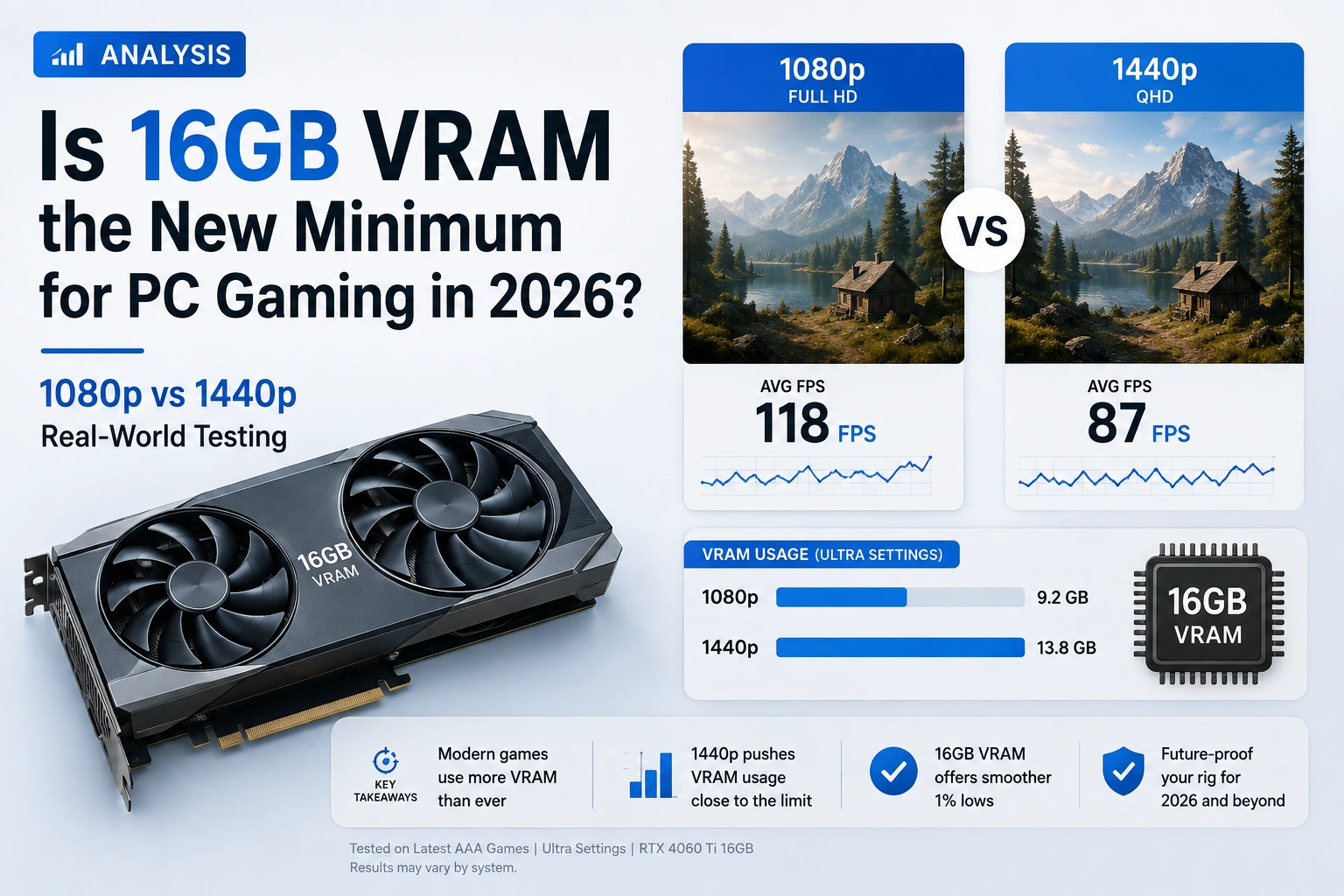
Two years ago, telling someone they needed 16GB of VRAM to game comfortably would have sounded like overkill advice from a forum know-it-all. In August 2026, it's just what the numbers say. Valve's own Steam Hardware Survey quietly crossed a line last month that hardware writers had been predicting since the RTX 40-series launched with 8GB cards: 16GB GPUs are now more common than 8GB ones among PC gamers.
So we pulled real benchmark data, cross-checked it against this year's actual releases, and tried to answer the only question that matters. Is 16GB genuinely the new floor for 1080p and 1440p gaming, or is this another case of forums panicking over a spec that doesn't affect most people's real experience?
Let's get start: Is 16GB VRAM Enough for Gaming in 2026?
Yes, and it's fast becoming the safer default rather than a "nice to have." At 1440p, 16GB is now the resolution where you stop negotiating with texture settings in newer AAA titles. At 1080p, 8GB still works in most games, but it no longer has the comfortable margin it had in 2023 or 2024, especially once ray tracing or frame generation enters the picture. If you're buying a GPU you want to keep for three-plus years, 16GB is the number to build around.
Why VRAM Suddenly Became 2026's Biggest GPU Argument
VRAM debates aren't new, but they used to be background noise next to core counts and clock speeds. That changed this year, mostly because the data caught up with what reviewers had been saying anecdotally for months.
The Steam Survey Crossover Nobody Expected This Fast
According to Tom's Hardware, the July 2026 Steam Hardware Survey showed 16GB GPUs reaching 25.90% of surveyed systems, narrowly passing 8GB cards at 25.32%, for the first time since Valve started breaking out memory tiers. One caveat worth knowing: on Windows-only figures, 8GB still leads at roughly 33%, since the combined survey includes Mac and Linux systems too. Still, the direction is unmistakeable, 16GB gained ground every single month this year while 8GB kept loosing it.
It's Tangled Up With the Same Shortage Hitting Your RAM
This crossover isn't happening in a vacuum. The same GDDR shortage driving up graphics card prices connects directly to the DRAM shortage we broke down in our piece on why RAM prices are rising in 2026. Manufacturers are prioritizing AI memory over consumer chips, which is part of why 16GB cards have been slower to hit genuinely budget prices than most buyers expected.
What's Actually Eating All That VRAM
None of this happened because developers got lazy. Modern engines just do more work per frame than they did three years ago, and that work has to live somewhere.
Unreal Engine 5, Nanite, and Texture Streaming
Unreal Engine 5's Nanite geometry system and Lumen lighting are the two biggest culprits behind rising VRAM budgets. Nanite streams enormous amounts of micro-detailed geometry in real time instead of relying on fixed level-of-detail models, and Lumen's dynamic global illumination needs its own memory pool to track how light bounces around a scene. Both assume hardware keeps scaling up, a fair bet for an engine, just an uncomfortable one if you're still on an 8GB card.
Ray Tracing and Frame Generation Add Their Own Tax
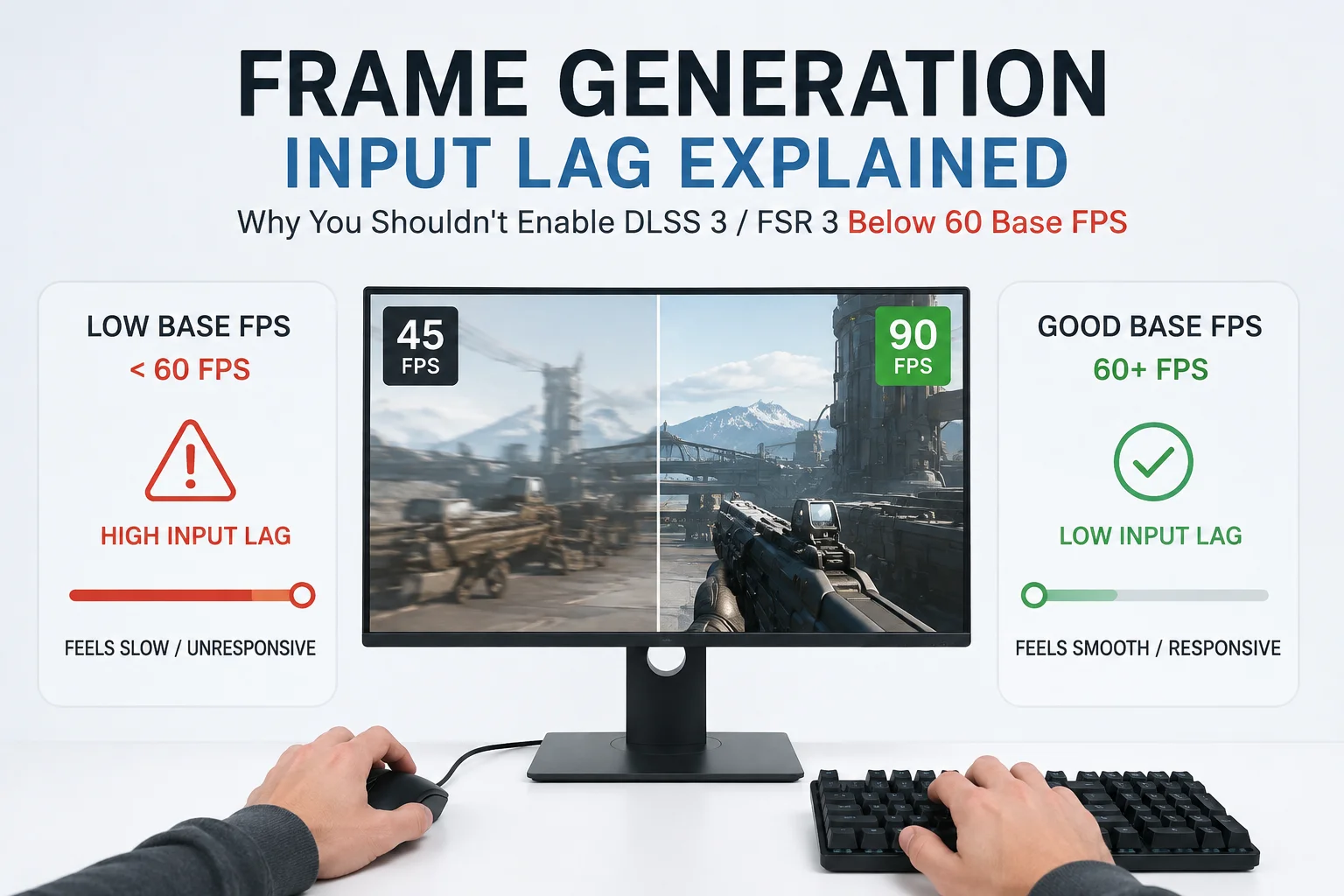
Upscaling and frame generation get sold as ways to save performance, and they genuinely do, but they aren't free on the memory side. Nvidia's DLSS 4 and its multi-frame generation mode need extra buffers to hold generated frames, and AMD's FSR 4 carries a smaller but similar overhead. Ray tracing adds its own cost too, since the GPU has to store acceleration structures describing how every surface reflects light. None of this is a reason to turn the features off, it just explains why VRAM usage keeps creeping upward on games that don't even look dramatically different from 2022.
1080p vs 1440p: What Real Testing Actually Shows
Specs on a box are one thing. What happens when the same GPU chip ships with two different memory sizes is far more useful, so we pulled data from PC Gamer's hands-on 8GB vs 16GB testing, which ran identical RTX 5060 Ti cards through several of 2026's more demanding titles.
| Game and Settings | Resolution | RTX 5060 Ti 8GB (Avg / 1% Low FPS) | RTX 5060 Ti 16GB (Avg / 1% Low FPS) |
|---|---|---|---|
| Cyberpunk 2077, Ultra RT | 1080p | 78 / 42 | 84 / 56 |
| Cyberpunk 2077, Ultra RT | 1440p | 53 / 34 | 55 / 41 |
| The Last of Us Part 1, Ultra | 1080p | 89 / 48 | 113 / 92 |
| The Last of Us Part 1, Ultra | 1440p | 79 / 44 | 92 / 73 |
| Resident Evil Requiem, High | 1080p | 112 / 78 | 121 / 71 |
| Resident Evil Requiem, High | 1440p | 85 / 52 | 93 / 70 |
The pattern is more interesting than a simple "16GB wins everywhere" headline. Average FPS gaps are often small, sometimes just two or three frames, but the 1% low numbers tell the real story, that's the stat reflecting stutter and hitching rather than a smooth average hiding rough moments underneath. In The Last of Us Part 1 at 1080p, the 16GB card's 1% low was nearly double the 8GB card's. Resident Evil Requiem is the outlier, where 8GB actually posted the better 1080p 1% low, a reminder that VRAM headroom helps on average but isn't a magic fix in every title.
How Much VRAM Do You Actually Need by Resolution
| Resolution | Realistic Minimum | Comfortable Target | Notes |
|---|---|---|---|
| 1080p | 8GB | 12GB | Fine for esports and most AAA titles at medium-high; ultra settings and RT push closer to the ceiling |
| 1440p | 12GB | 16GB | 16GB is where texture settings stop being a constant negotiation |
| 4K | 16GB | 20-24GB | Anything less requires regular compromises in newer releases |
8GB VRAM in 2026: Pros and Cons
8GB GPUs
- Pros: Meaningfully cheaper, still playable in esports titles and most games at 1080p medium-to-high, reasonable if you upgrade GPUs frequently anyway
- Cons: Inconsistent 1% lows in newer AAA titles, ray tracing becomes a gamble even at 1080p, weaker long-term resale value
16GB VRAM in 2026: Pros and Cons
16GB GPUs
- Pros: Noticeably smoother 1% lows across demanding titles, comfortable 1440p headroom, better resale value, matches the memory footprint modern engines are built around
- Cons: Costs more, and thanks to the ongoing shortage that premium is larger than it "should" be, sometimes overkill if you mainly play older or lighter games
Verdict: Buy for the Games You'll Play Next Year, Not Just Today
If your budget can't stretch to 16GB right now, an 8GB GPU still won't leave you stranded, especially at 1080p. But choosing between two versions of the same chip, the 16GB one is the one that ages better, becuase it's built for where games are headed, not just where they are today.
Best VRAM GPU for 1440p Gaming Right Now
If you're shopping specifically for 1440p, two cards keep showing up as the sensible picks: the AMD Radeon RX 9060 XT 16GB, sitting around $475 to $530, and the Nvidia RTX 5060 Ti 16GB, running roughly $550 to $620. AMD generally wins on price-to-performance in rasterized games, while Nvidia definately pulls ahead once ray tracing and DLSS 4 frame generation get involved. We ran both through this month's new releases in our best budget GPU for 1440p gaming breakdown, including full pricing and per-game results.
A 60-Second Way to Check Your Own VRAM Ceiling
You don't need expensive benchmarking software to see whether your card is struggling. Here's the fast version.
- Open the in-game performance overlay, or press Ctrl+Shift+O for Nvidia's overlay or the equivalent AMD Adrenalin shortcut.
- Turn on the VRAM usage and frame time graph, not just the FPS counter.
- Play normally for a few minutes somewhere busy, with lots of textures loading in.
- Watch for VRAM sitting at your card's full capacity while the frame time graph spikes. That combination, not the average FPS number, is the real tell.
- If it's happening often, drop texture quality one notch before touching anything else. Textures are the single biggest VRAM lever in most games.
Quick tip
A game can average a perfectly good 70 FPS while still stuttering every few seconds if VRAM keeps overflowing and refilling, so watch the frame time graph, not just the counter.
Alternatives Worth Considering
A new GPU isn't the only lever you can pull. If your whole build feels squeezed by 2026's memory prices, not just the graphics card, it's worth checking whether switching to DDR3 makes sense for an older secondary rig rather than fighting for DDR5 kits at current prices.
If GPU pricing has you rethinking the build entirely, our comparison of handheld gaming PCs like the Legion Go 2 and Steam Deck covers how fixed, shared-memory devices sidestep this VRAM argument, with different trade-offs of their own. And if you're weighing a console-style pre-built against your own rig, our look at Valve's Steam Machine versus a traditional gaming PC covers a similar cost-versus-flexibility question.
Frequently Asked Questions
Is 16GB VRAM enough for 1440p gaming in 2026?
Yes. 16GB comfortably handles current AAA titles at 1440p high-to-ultra settings, including most ray tracing workloads with upscaling on. It's the resolution where 16GB stops being a luxury and becomes the sensible default.
Is 8GB VRAM dead for gaming in 2026?
Not dead, but limited. It's still fine for esports and most games at 1080p medium-to-high. Where it struggles is 1% lows in newer AAA releases, especially with ray tracing on, more of a "smoothness tax" than an outright wall.
Why do Unreal Engine 5 games need so much more VRAM than older titles?
Nanite's real-time geometry streaming and Lumen's dynamic lighting both need dedicated memory to track detail and light behavior on the fly, instead of the simpler, pre-baked techniques older engines used. Better visuals, bigger memory footprint.
Does more VRAM actually improve FPS, or just prevent stutter?
Mostly the second one. Average FPS gaps between otherwise identical 8GB and 16GB cards are often modest, but 1% low FPS, the number reflecting stutter, tends to be noticeably better on the 16GB version in memory-heavy games.
Will 24GB or more become necessary for 1440p soon?
Not soon. 24GB is currently a 4K and creative-workload tier. For 1440p, 16GB has enough headroom to stay comfortable for several years based on how demand has scaled so far. For more breakdowns like this, our Technology & PC Games section tracks GPU and memory pricing as it shifts.
Final Words...
16GB VRAM isn't hype anymore, it's what the Steam numbers, the benchmark data, and this year's Unreal Engine 5 releases all point toward. 8GB cards haven't become unusable, and if you're strictly a 1080p player on a tight budget, one can still get you through the next couple of years fine. But for 1440p, and increasingly for 1080p with ray tracing turned on, 16GB has quietly gone from "nice to have" to the number worth building your next GPU purchase around.


Comments 0
Be the first to comment!