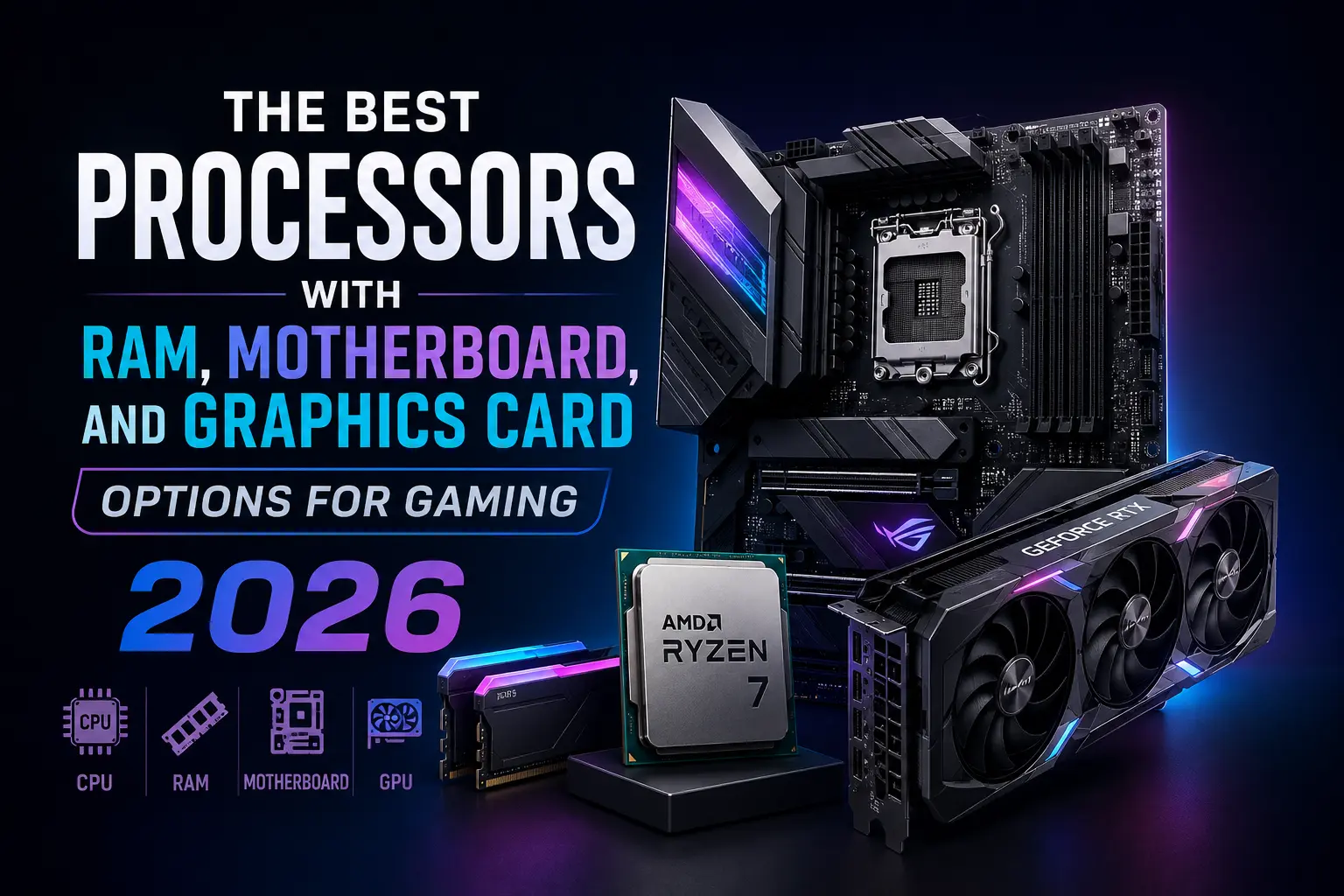
Every gaming PC ad in 2026 wants you to believe the processor is the whole story. It isn't. Open up a real build and the CPU is just one part of a relay race — RAM hands off data, the motherboard routes traffic between every part, and the GPU actually draws what you see on screen. Get one link in that chain wrong and you can spend $2,000 on a rig that games like a $1,200 one.
This guide breaks down what's actually happening behind the scenes when you press "play," and how to match a CPU, RAM kit, motherboard, and GPU that work together instead of fighting each other — at 1080p, 1440p, or 4K.
The Right Combo Without Overspending
If you only read one section, read this one. For most gamers in 2026, the formula looks like this:
- 1080p / esports: Ryzen 5 9600X or Core Ultra 5 245K, a B650/B860 board, 32GB DDR5-6000, and an RTX 5060 Ti or RX 9060 XT.
- 1440p / the current sweet spot: Ryzen 7 9800X3D, a B850 board, 32GB DDR5-6000 CL30, and an RTX 5070 or RX 9070.
- 4K / enthusiast: Ryzen 9 9800X3D or 9950X3D, an X870E board, 32-64GB DDR5-6000, and an RTX 5080 or RX 9070 XT.
The rest of this article explains why, and where the exceptions are.
What Actually Happens Inside Your PC When You Load a Game
Think of the CPU as the person reading the script — it figures out what should happen next: enemy AI, physics, draw calls, game logic. RAM is the desk next to it, holding whatever the CPU needs within arm's reach. The motherboard is the hallway connecting every room in the house, and the GPU is the artist who takes the script and actually paints the frame you see.
If the desk (RAM) is too small, the CPU keeps walking to a filing cabinet (your SSD) to fetch data, and that costs time. If the hallway (motherboard/chipset) is too narrow, components wait on each other even when they're both fast. And if the artist (GPU) is under-resourced for the resolution you're painting at, no amount of CPU speed will save your frame rate. Every build decision in this guide comes back to that chain.
The CPU: Picking the Real Foundation
2026 is genuinely a good year to buy a CPU — AMD's Ryzen 9000 series (Zen 5) and Intel's Core Ultra 200 series (Arrow Lake Refresh) are both mature, and prices have settled at every tier.
| Tier | Best pick | Cores/Threads | Why it matters |
|---|---|---|---|
| Budget | Ryzen 5 9600X / Core Ultra 5 245K | 6-core | Handles 1080p gaming without a bottleneck, leaves budget for the GPU |
| Gaming sweet spot | Ryzen 7 9800X3D | 8-core / 16-thread | 3D V-Cache gives it a real edge in CPU-bound, open-world and simulation titles |
| High-end / hybrid | Ryzen 9 9950X3D / Core Ultra 7 270K Plus | 16-core | Gaming plus heavy multitasking, streaming, or content creation |
The Ryzen 7 9800X3D deserves the attention it gets. Its stacked cache reduces how often the processor has to wait on memory, which matters most in cache-hungry, CPU-heavy games rather than in GPU-bound AAA titles. According to Tom's Hardware, it continues to beat Intel's fastest gaming chips in most test suites while running cooler and cheaper than AMD's own 16-core X3D flagship.
Pros and cons at a glance
- AMD AM5 pros: socket support confirmed through at least 2027, strong power efficiency, X3D cache advantage in gaming.
- AMD AM5 cons: non-X3D chips trail Intel slightly in heavy multi-threaded work.
- Intel LGA1851 pros: native Thunderbolt, competitive single-thread performance, strong value on mainstream boards.
- Intel LGA1851 cons: no confirmed multi-generation upgrade path the way AM5 has.
If you want the full head-to-head with pricing, Newegg's 2026 comparison is a solid reference point.
RAM: How Much (and How Fast) Actually Matters
RAM is the component most people either ignore or massively overspend on, and 2026 makes that worse because kit prices have genuinely spiked this year — something we covered in detail in RAM Is the New Gold.
Two separate questions matter here: how much capacity, and how fast.
- Capacity: 32GB (2x16GB) is the standard for gaming in 2026 and covers every current title with headroom for background apps. 16GB is starting to show its age in newer releases. 64GB only makes sense if you stream, edit video, or run a game engine alongside your game.
- Speed: On AMD AM5, DDR5-6000 CL30 is the widely-tested sweet spot because it lines up cleanly with the Infinity Fabric's 1:1 ratio — pushing past it into 2:1 territory can actually cost you performance. On Intel's Core Ultra platform, DDR5-6400 CL32 is the equivalent target.
In other words, chasing the highest MT/s number on the box is usually a waste of money. Real testing consistently shows a tuned 6000 CL30 kit beating a loose 7200+ kit in actual gameplay, not just synthetic benchmarks.
If you're tempted to save money by going back to an older memory standard on an old rig, it's worth reading our breakdown on whether switching to DDR3 is actually worth it in 2026 before you do — the answer isn't as simple as it looks on paper.
Motherboard: What You're Really Paying For
Here's the part almost nobody explains clearly: a $150 motherboard and a $500 motherboard with the same CPU and GPU will produce essentially the same frame rate. The chipset doesn't add FPS. What it buys you is VRM quality (so a power-hungry CPU doesn't throttle under load), connectivity, memory overclocking headroom, and how many PCIe 5.0 lanes you get for GPU and storage.
| Platform | Mainstream tier | Enthusiast tier | Best for |
|---|---|---|---|
| AMD AM5 | B650 / B850 | X870 / X870E | Most gaming builds; X870E only earns its price with heavy I/O, multi-GPU or Gen5 SSD needs |
| Intel LGA1851 | B860 | Z890 | Z890 required only if you're overclocking an unlocked K-series chip |
The practical takeaway: buy the socket that matches your CPU first, pick the tier that matches your actual connectivity needs, and put whatever you save toward the GPU — that's where the frames actually come from. For a deeper platform comparison, Newegg's motherboard guide walks through chipset tiers in more detail.
Graphics Card: Matching the GPU to Your Resolution Target
This is where most of your gaming budget should actually go, and where the resolution you play at should drive the decision far more than brand loyalty.
| Target | Recommended GPU | VRAM | Notes |
|---|---|---|---|
| 1080p | RTX 5060 Ti 16GB / RX 9060 XT | 16GB | High refresh rate esports performance without overpaying |
| 1440p | RTX 5070 / RX 9070 | 12-16GB | The current sweet spot resolution for price-to-performance |
| 4K | RTX 5080 / RX 9070 XT | 16GB | The only tier that handles 4K Ultra consistently without heavy upscaling |
Nvidia's advantage is ray tracing and DLSS 4 upscaling with multi-frame generation; AMD's RX 9070-series usually wins on raw raster performance per dollar. According to PC Gamer's testing, the RX 9070 in particular has become one of the strongest value picks of the generation, closing the gap on far pricier cards. Tom's Hardware notes that 8GB VRAM is becoming a real limitation in newer titles, so 12GB should be treated as the floor for any 2026 purchase, not just a nice-to-have.
If you're building on a tighter budget specifically around 1440p, we already tested this exact scenario in Best Budget GPU for 1440p Gaming in 2026.
Three Real Build Combinations for 2026
Build 1 — 1080p Esports / Budget (roughly $1,050–1,300)
- CPU: Ryzen 5 9600X
- Motherboard: B650
- RAM: 32GB DDR5-6000
- GPU: RTX 5060 Ti 16GB or RX 9060 XT
Build 2 — 1440p Sweet Spot (roughly $1,500–1,900)
- CPU: Ryzen 7 9800X3D
- Motherboard: B850
- RAM: 32GB DDR5-6000 CL30
- GPU: RTX 5070 or RX 9070
Build 3 — 4K Enthusiast (roughly $2,500–3,200+)
- CPU: Ryzen 9 9800X3D or 9950X3D
- Motherboard: X870E
- RAM: 32–64GB DDR5-6000
- GPU: RTX 5080 or RX 9070 XT
Notice something: the CPU barely changes between Build 2 and Build 3. Once you're past the gaming sweet spot, almost every extra dollar should go into the GPU, not the processor — that's the single biggest mistake builders make when they scale up a budget.
Where the Real Bottlenecks Hide
A "bottleneck" simply means one component finishes its job and sits waiting on another. Pair a top-tier GPU with a weak CPU at 1080p, and the CPU can't feed it frames fast enough — you paid for GPU power you're not recieving. Flip it around: pair a great CPU with a budget GPU at 4K, and the GPU chokes on resolution regardless of how fast the CPU is.
The rule of thumb: the lower your target resolution, the more the CPU matters, because there are fewer pixels for the GPU to become the limiting factor on. The higher your resolution, the more everything shifts onto the GPU's shoulders. RAM and motherboard rarely cause a hard bottleneck once you've hit the sweet-spot numbers above — they mostly affect consistency (1% low frame times) rather than average FPS.
Upgrade Path: Spend Now vs Spend Later
AM5's socket longevity is a genuine practical advantage — AMD has confirmed support through at least 2027, meaning a mid-range Ryzen build today can likely take a straight CPU swap later without touching the motherboard or RAM. Intel's LGA1851 platform doesn't currently have that same confirmed multi-generation runway, so if platform longevity matters to you more than a small performance edge today, that's a real factor worth weighing seperately from raw benchmarks.
A practical strategy for tighter budgets: buy the mid-tier CPU and motherboard now, spend the rest on the best GPU you can afford, and upgrade the CPU alone in a year or two once prices settle.
Alternatives to Building From Scratch
Not everyone wants to shop for four separate components. Prebuilt systems from major OEMs bundle a matched CPU/GPU pairing and skip the compatibility research, though you'll usually pay a premium for the convenience. Console-style boxes are also worth a look if you mainly want simplicity — we compared that exact trade-off in Steam Machine vs Gaming PC. For most people who game seriously and want the best long-term value, though, a self-built PC using the combinations above still wins on price-to-performance.
Last words..
The best gaming PC in 2026 isn't the one with the flashiest CPU on the box — it's the one where every part is sized to match the others. Buy the CPU for your target resolution, not the fastest one available. Buy 32GB of DDR5-6000 (or DDR5-6400 on Intel) and stop chasing higher speed numbers. Buy the motherboard tier that matches your connectivity needs, not your ego. And spend the biggest share of your budget on the GPU, because that's the part actually drawing the picture on your screen.
Frequently Asked Questions
Is the CPU or GPU more important for gaming in 2026?
The GPU matters more for raw frame rate at 1440p and 4K. The CPU matters more at 1080p and in CPU-heavy genres like strategy games, simulations, and open-world titles with lots of NPCs.
Do I need 64GB of RAM for gaming?
No. 32GB is the current standard and covers every mainstream game with room to spare. 64GB only pays off if you stream, edit video, or run other heavy background software while gaming.
Does a more expensive motherboard improve FPS?
Not directly. A pricier board improves VRM stability under sustained load, connectivity, and overclocking headroom — not raw frame rate. Two boards on the same chipset with the same CPU and GPU will perform almost identically in games.
Is DDR5-6000 fast enough, or should I buy DDR5-7200+?
For the vast majority of gamers, DDR5-6000 CL30 (AMD) or DDR5-6400 CL32 (Intel) is the practical sweet spot. Going higher often adds cost and instability for a gain of only a few frames per second.
Should I upgrade my CPU or my GPU first?
If you're gaming at 1440p or 4K and your CPU is from the last two generations, upgrade the GPU first — it's almost always the bigger limiting factor at those resolutions.
AMD or Intel for a new gaming build in 2026?
AMD's Ryzen X3D chips currently lead in pure gaming benchmarks and AM5 offers longer confirmed platform support. Intel remains competitive, especially for mixed gaming-and-productivity builds, and offers native Thunderbolt support.

Comments 0
Be the first to comment!