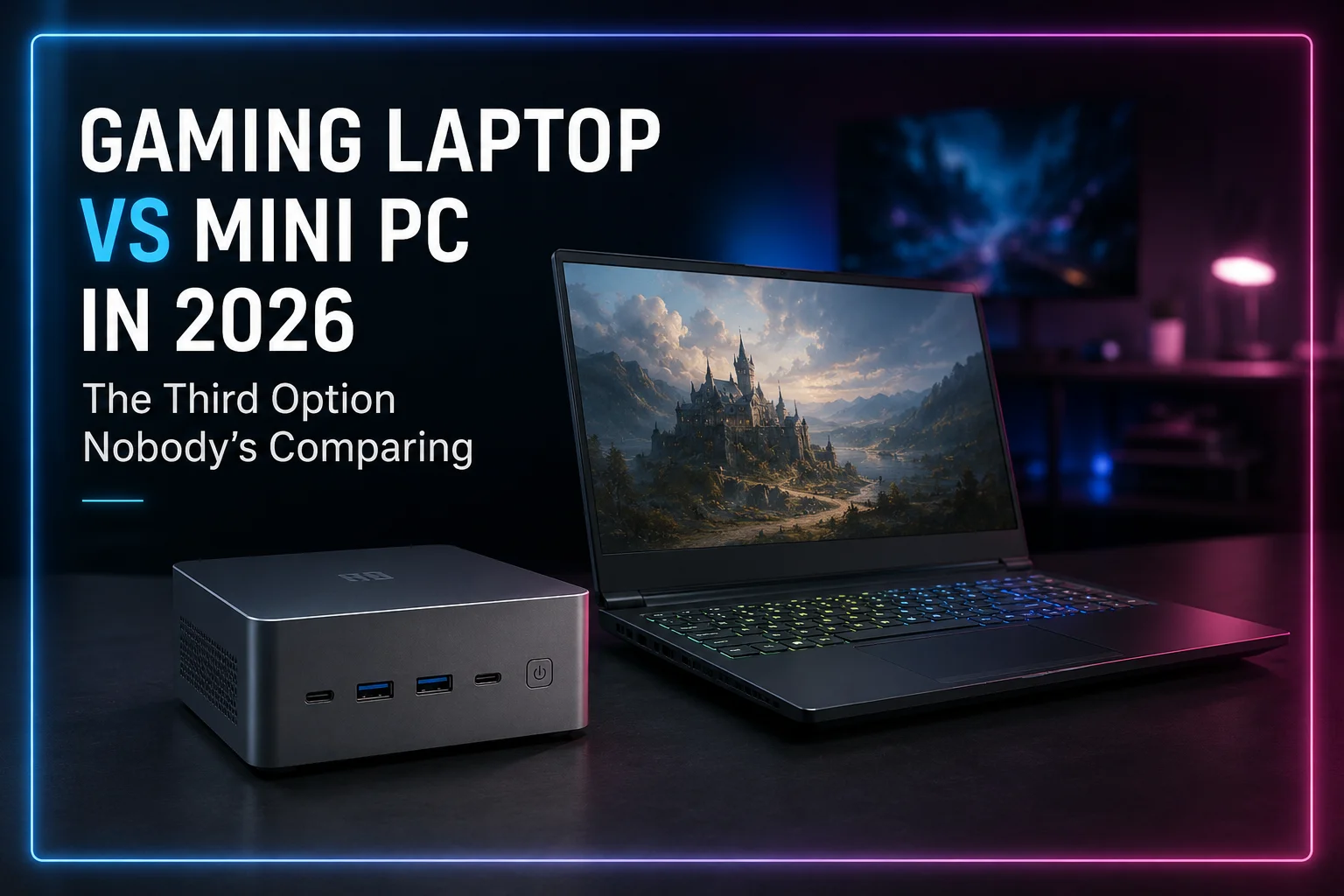
Every gaming hardware argument on the internet eventually turns into the same two-sided shouting match: laptop people versus desktop people, throwing frame rates at each other like it's a custody hearing. Meanwhile, sitting quietly in the corner, smaller than a lunchbox and mostly ignored, is a machine that could actually end the fight for a lot of people. Nobody invited the gaming mini PC to the debate. It showed up anyway, plugged itself into a spare monitor, and started running games nobody expected it to run.
This isn't another "laptop vs desktop" piece. That fight is exhausted, and honestly a little pointless, because most people already know which side they're on. What almost nobody has properly explained is where a mini PC fits between those two extremes, and whether it can genuinely replace a gaming laptop for the person who never actually leaves the house with it.
Fast answer: A gaming mini PC won't beat a proper desktop, and it can't replace a laptop's built-in screen and battery. But for 1080p and moderate 1440p gaming in a small, quiet, desk-friendly box, it beats a laptop on thermals, noise, running cost, and long-term upgrade options — as long as you already own a monitor and you're not planning to game on a plane.
What Exactly Counts as a "Gaming Mini PC" in 2026?
The category has split into two very different products, and mixing them up is where most buying guides go wrong.
- APU-based mini PCs. These use a single chip that combines a strong CPU and a genuinely large integrated GPU, like AMD's AMD Ryzen AI Max+ 395 (the chip behind the "Strix Halo" mini PC wave). No separate graphics card, no upgrade path for graphics, but surprisingly playable performance in a box the size of a hardback book.
- Small-form-factor desktops. These are shrunk-down towers that still fit a real, socketed discrete GPU. They're bigger than an APU mini PC, louder under load, but they play in a completely different performance league.
This is a very different device from the one we broke down in our Steam Machine vs Gaming PC comparison. Valve's box is a fixed, console-shaped, living-room appliance. A mini PC is a general-purpose small computer you can put on a desk, run Windows or Linux on, and use for actual work between game sessions.
Gaming Laptop vs Mini PC vs Full Desktop: The Real Breakdown
| Factor | Gaming Laptop | Mini PC (APU-based) | Full Desktop |
|---|---|---|---|
| 1080p gaming | Strong | Strong | Overkill, but great |
| 1440p gaming | Good on high-end models | Playable, medium settings | Strong |
| 4K gaming | Limited to premium models | Not realistic | Strong with the right GPU |
| Upgradeability | Almost none (RAM/storage only, sometimes soldered) | RAM/storage, some CPU swaps | Full — GPU, CPU, RAM, storage |
| Portability | Genuinely portable, own screen and battery | Movable, but needs a monitor and outlet | Not portable |
| Thermals under load | Struggles, throttles on long sessions | Comfortable, more room to breathe | Excellent |
| Noise | Loud fans, close to your ears | Quiet to moderate | Quiet if built well, loud if not |
| Power draw | Moderate | Low | High |
| Typical starting price | $900–$3,000+ | $700–$1,800 | $700–$3,000+ |
Performance: Can a Mini PC Actually Game?
Yes, and this is the part that surprises people. AMD's Strix Halo platform packs a large integrated Radeon GPU alongside a Zen 5 CPU and, depending on the model, up to 128GB of unified memory shared between both. That's the kind of GPU horsepower that used to require a discrete graphics chip, now living inside a single processor.
It's not desktop-GPU performance. It's closer to a mid-range laptop GPU, which for most people is exactly the tier that matters. According to the Steam Hardware Survey, the majority of PC gamers are still playing at 1080p on mid-range hardware, not chasing 4K ultra settings. A well-specced mini PC sits comfortably in that zone.
Memory speed matters more here than on a typical desktop, since the GPU is borrowing system RAM instead of using dedicated VRAM. If you're shopping for one, it's worth understanding why — our DDR5 vs DDR4 comparison covers the bandwidth difference in more detail than most spec sheets bother to.
Upgradeability: The Quiet Advantage Nobody Markets
Gaming laptops are, in most cases, sealed boxes with a two-year shelf life before they start feeling slow. RAM is frequently soldered. Storage might be replaceable if you're lucky. The GPU is welded to the motherboard, full stop. Mini PCs flip that. Most let you swap RAM and storage yourself, some support a CPU upgrade a generation or two down the line, and small-form-factor desktops go even further by accepting a real discrete GPU you can pull out and replace whenever you want. That difference compounds over three or four years of ownership, which is exactly the timeline we walked through in our upgrade vs. build-new guide.
Portability, Thermals, and Noise
Portability
Be honest with yourself here. A gaming laptop is portable in the sense that it travels. A mini PC is portable in the sense that it moves from your desk to your TV stand. If you actually need to game on a train, in a lecture hall, or at a friend's apartment with nothing but the machine in your bag, the laptop wins outright and there's no argument to be had.
Thermals
A gaming laptop crams a CPU, GPU, and often a small screen's worth of heat into a chassis barely 20mm thick. Under sustained load, that heat has nowhere to go, and the chip throttles itself to survive. A mini PC has actual internal volume and airflow paths, so the same silicon tends to run cooler and hold its boost clocks longer during a two-hour session.
Noise
Bigger fans spinning slower are quieter than small fans screaming to move the same amount of air. That's just physics. Most mini PCs sit at a low, forgettable hum under gaming load, while plenty of gaming laptops sound like a hairdryer taking off the moment you launch anything demanding.
Power Consumption and Running Cost
| System type | Typical draw under gaming load | Notes |
|---|---|---|
| Gaming laptop (RTX-class discrete GPU) | Roughly 150–230W | Charger often rated higher for peak boost |
| Mini PC (APU-based, no discrete GPU) | Roughly 65–120W | Lowest running cost of the three |
| Full tower desktop with discrete GPU | Roughly 350–600W+ | Depends heavily on GPU tier and overclocking |
These are ballpark figures that vary by model and settings, not lab-tested exact numbers, but the pattern holds consistently: an APU mini PC sips power compared to either alternative, which matters if it's running for hours every day or sitting in a small apartment where every extra watt becomes heat in the room.
The GPU Problem: Where Mini PCs Actually Fall Short
Let's not oversell this. Integrated graphics, even the good ones, share memory bandwidth with the CPU and top out well below what a proper discrete GPU offers. Ray tracing performance is weak. VRAM is really just borrowed system RAM, which behaves differently than dedicated GDDR or GDDR-class memory on a real graphics card.
If you're chasing high refresh rate 1440p, heavy ray tracing, or anything close to 4K, an APU mini PC is the wrong tool. That's the territory of cards like the ones compared in our RTX 5070 Ti vs RX 9070 XT comparison, and it's worth reading our VRAM guide before assuming any integrated solution will keep up long-term as game requirements creep upward.
Pairing a Mini PC With an External GPU (eGPU)
Here's the part almost nobody talks about: several small-form-factor mini PCs and even some APU models include a Thunderbolt or OCuLink port capable of driving an external graphics card in an enclosure. That single feature quietly turns a compact box into something closer to a real gaming desktop, without the tower sitting under your desk.
It comes with a real cost, though. Routing GPU traffic through an external cable instead of a native PCIe slot introduces a bandwidth bottleneck, and that shows up as a measurable performance loss compared to the same card installed internally.
| Connection | Bandwidth | Typical gaming performance loss vs. internal GPU |
|---|---|---|
| Thunderbolt 4 / USB4 | Up to 40 Gbps | Around 20–30% |
| Thunderbolt 5 | Up to 80 Gbps (120 Gbps burst) | Around 10–15% |
| OCuLink | PCIe 4.0 x4, roughly 64 Gbps | Around 5–15%, often the lowest of the three |
According to Tom's Hardware, OCuLink connections consistently outperformed Thunderbolt 5 in real gaming benchmarks with the same graphics card, even though both interfaces are marketed for the same purpose. Bandwidth on paper and bandwidth in practice are two different conversations. For a deeper technical breakdown of what Thunderbolt actually delivers, Intel publishes the full specification directly.
The takeaway: an eGPU setup on a mini PC won't match a desktop tower gram for gram, but it's a legitimate middle path for someone who wants strong integrated performance most of the time and desktop-class graphics on the rare weekend they need it.
Price: What You're Actually Paying For
A big chunk of a gaming laptop's price tag pays for things a mini PC simply doesn't need: a battery, a high-refresh built-in display, a keyboard, a chassis engineered to survive being dropped in a backpack. Strip those out and the silicon inside a mini PC can often be more powerful per dollar, because every dollar went toward the chip instead of the shell around it. That doesn't mean mini PCs are automatically cheap — a well-specced Strix Halo box with 64GB or more of memory can run past $1,500. If your budget flexes toward a full tower instead, our budget gaming PC builds guide is a useful comparison point before deciding which route actually saves you money.
Gaming Laptop vs Mini PC: Pros and Cons
Gaming Laptop
- Pros: True portability, built-in screen and battery, all-in-one convenience, works anywhere with power or charge.
- Cons: Thermal throttling under sustained load, loud fans, little to no upgrade path, higher price for the same raw performance, battery and hinge wear over time.
Mini PC
- Pros: Quieter, cooler, lower power draw, some upgrade headroom, generally better performance per dollar, doubles easily as a home server or media box.
- Cons: Needs a monitor, keyboard, and mouse you already own or have to buy, weaker at high resolutions and heavy ray tracing, not something you casually toss in a bag.
Who Should Actually Buy a Gaming Mini PC?
- Apartment or dorm gamers who already own a monitor and don't want a full tower taking up desk space.
- Streamers and content creators who want a quiet setup that won't bleed fan noise into a microphone.
- Second household PC for a shared living room, hooked to a TV without the bulk of a full desktop.
- Light travelers who want a "grab and go" system paired with a portable monitor, without carrying full laptop weight.
- Households running local AI tools alongside gaming, since the large unified memory pool on Strix Halo-class chips genuinely helps with that too.
If you regularly need 4K, heavy ray tracing, or genuine on-the-go portability, none of these boxes changes that math — you're still better off with a laptop or a full desktop, respectively.
Alternatives Worth Considering
A mini PC isn't the only middle ground in 2026. Handheld gaming PCs occupy a different niche entirely — real portability with a built-in screen, at the cost of raw power. Our Legion Go 2 vs Steam Deck breakdown covers that trade-off in detail.
Then there's Valve's console-shaped approach, which we compared against a traditional gaming PC in our Steam Machine vs Gaming PC comparison — a fixed-spec box aimed at simplicity rather than flexibility, sitting in a slightly different lane than the mini PCs discussed here.
Conclusion
Buy a gaming mini PC if you already have a monitor, care more about quiet operation and desk space than raw top-end performance, and want a system that runs cool for years without throttling.
Buy a gaming laptop if you genuinely need to move the whole rig, including the screen, from place to place on a regular basis.
Buy a full desktop if you want maximum performance, real GPU upgrade paths, and you're not short on physical space.
The mini PC isn't a compromise version of either extreme. It's a legitimately different answer for a specific kind of gamer, and in 2026, that answer is finally good enough to take seriously.
Frequently Asked Questions
Can a mini PC really run modern AAA games?
Yes, at 1080p and moderate 1440p settings on the stronger APU-based models. Don't expect 4K ultra or heavy ray tracing without pairing it with an external GPU.
Is a mini PC cheaper than a gaming laptop?
Often, for similar performance, because it skips the cost of a battery, screen, and portable chassis. High-memory configurations can still get expensive though.
Can you upgrade the GPU in a mini PC?
Not on APU-based models — the graphics are built into the chip. Small-form-factor desktops with a discrete GPU slot can be upgraded like a normal tower.
Do gaming mini PCs overheat?
Generally less than laptops, since there's more internal volume for airflow, though cheap enclosures with poor cooling design still exist, so check reviews before buying.
Is an external GPU worth it for a mini PC?
If your mini PC supports Thunderbolt 5 or OCuLink, yes — you'll take a performance hit compared to a native desktop GPU, but you'll gain real desktop-class graphics on demand.
Should I wait for a Steam Machine instead of buying a mini PC?
They solve different problems. A Steam Machine is a fixed, console-style box for the living room; a mini PC is a flexible small computer you can use for work, streaming, and gaming alike.


Comments 0
Be the first to comment!