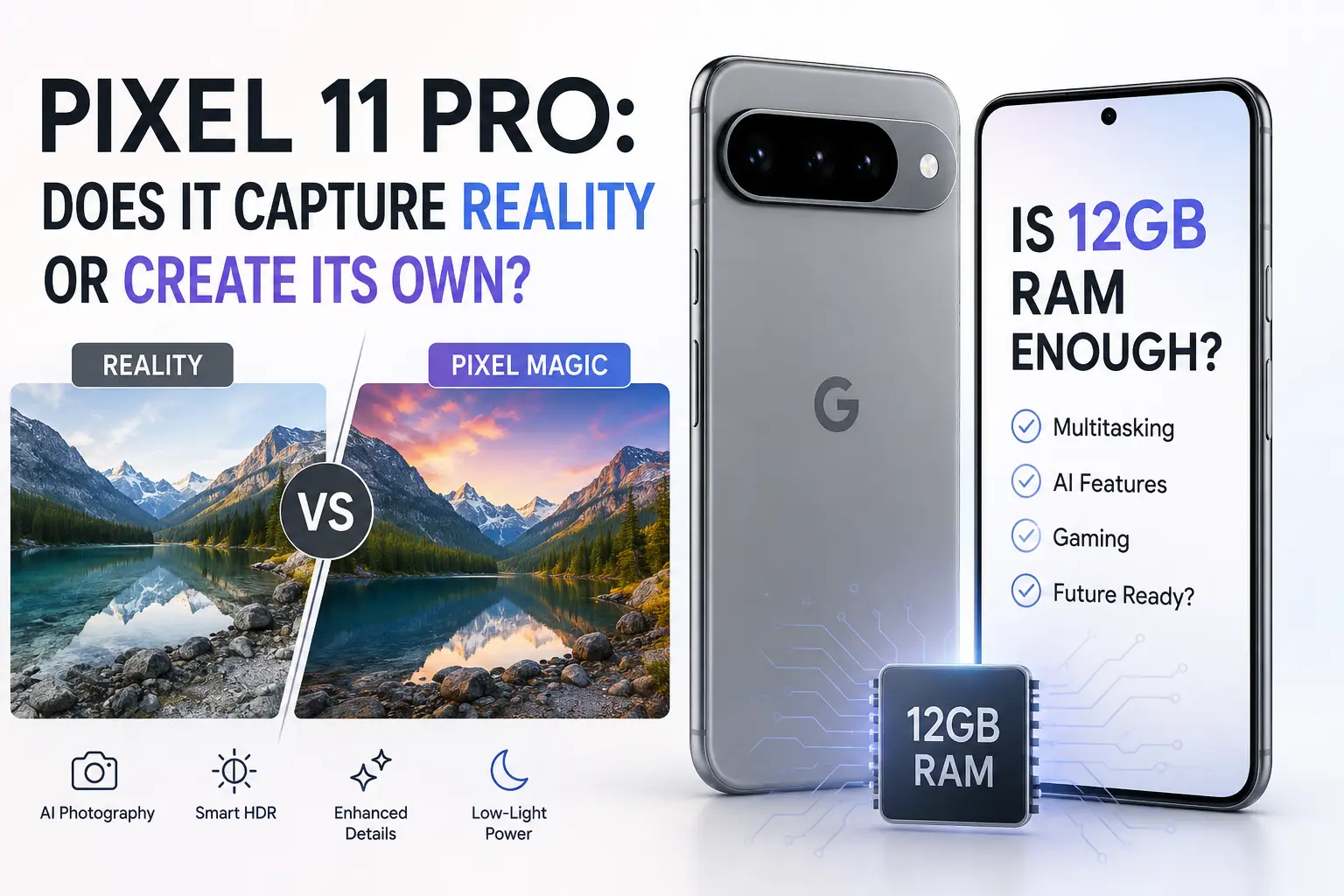
Pull up any Pixel 11 Pro sample photo online and it looks flawless — sharp edges, punchy but believable color, skies that never blow out. The question worth asking is how much of that image is what the lens actually recorded, and how much of it got built afterward by software. That question matters more this year than it usually does, because the Pixel 11 Pro also launched with less RAM than its predecessor, and RAM is exactly what feeds the AI pipeline doing all that behind-the-scenes work.
This isn't a spec-sheet rundown. It's a look at what actually happens between the moment you tap the shutter and the moment a JPEG lands in your gallery, and whether 12GB is genuinely enough memory to run a phone that leans this hard on on-device AI.
Let's go to fast answer
- The Pixel 11 Pro doesn't fabricate scenes from nothing, but it does heavily reconstruct exposure, detail, and color using AI models trained on millions of real photos — so what you see is closer to an "AI-assisted reconstruction" than a raw capture.
- 12GB of RAM is enough for daily use, Gemini Nano, and casual photography on the base 256GB Pixel 11 Pro and Pro XL, but power users, heavy multitaskers, and anyone who wants headroom for a few years should look at the 16GB tier (512GB/1TB) or the Pixel 11 Pro Fold, which ships with 16GB across every storage size.
- The RAM cut isn't random — Google leans on zRAM compression and INT4 quantization of Gemini Nano to make 12GB behave closer to what 16GB used to feel like, but that's a software patch over a hardware reduction, not a true equivalent.
What "Computational Photography" Actually Means Here
Google has never really sold the Pixel camera on raw sensor size. It's always sold it on what the Tensor chip does after the sensor collects light. The Pixel 11 Pro continues that tradition, now powered by Google's Tensor G6, which brings an upgraded Image Signal Processor and 50% more TPU compute than the previous chip.
When you tap the shutter, the camera isn't taking one photo. It's capturing a short burst of frames — sometimes at different exposure levels — aligning them pixel by pixel, and merging them into a single composite. This is the HDR+ pipeline Google has refined since the Pixel 2, and on the 11 Pro it runs faster and with more machine-learning assistance than ever.
The Steps Behind a Single Photo
- The sensor captures a burst of underexposed frames to protect highlights and reduce motion blur.
- Tensor G6's ISP aligns every frame, cancelling out hand shake and small subject movement.
- The frames are merged into one image with a much wider dynamic range than any single exposure could capture.
- Semantic segmentation identifies skies, skin, foliage, and text so each region can be processed differently.
- AI-driven detail enhancement sharpens texture in a way that's closer to "informed guessing" than optical resolution.
- Tone mapping and color science apply Google's Real Tone adjustments before the final image is written.
None of this is secret or new in principle — every modern flagship does some version of it. What's changed on the 11 Pro is how much of that reconstruction now happens through learned models instead of fixed rules, which is exactly why the "reality vs. recreation" question feels sharper this generation.
Real Tone and Color Science — Whose "Real" Is It?
Real Tone is Google's effort to render skin tones more accurately across a wide range of complexions, something older camera algorithms notoriously got wrong. It's a genuinely useful correction, but it's also a decision — the phone is choosing what "accurate" should look like rather than simply reporting sensor data. That's the honest answer to the reality question: the Pixel isn't lying to you, it's making thousands of small editorial choices on your behalf, frame by frame.
Night Sight and Instant Night Sight
Low light is where computational photography earns its keep. The Pixel 11 Pro's upgraded ISP lets Instant Night Sight capture images up to 4.5 times faster than before, largely by throwing more TPU power at noise reduction and frame alignment instead of forcing a long, static exposure. The result looks like daylight came back, but a huge amount of that "light" is statistically reconstructed from noisy data, not physically captured.
Pro Zoom to 120x — Optical Meets Generative
The redesigned telephoto sensor captures about 30% more light than last year's part, and Google's Pro Zoom pushes digital reach all the way to 120x. Anything past the optical 5x range is a blend of digital cropping and AI-based super-resolution, filling in texture that the lens genuinely didn't resolve. It can look impressive on a phone screen; it also means a 120x shot of the moon is, in part, the phone's best guess at what the moon should look like.
So, Reality or Recreation? The Honest Answer
The Pixel 11 Pro captures real light through a real lens — it isn't generating scenes out of thin air the way a text-to-image model would. But the final photo is a heavily processed interpretation, not a neutral record. Google is choosing exposure, color, sharpness, and even which details to emphasize, long after the shutter closes. If "reality" means an unedited optical capture, the Pixel 11 Pro doesn't really do that anymore — and honestly, neither does any other modern flagship.
Pixel 11 Pro vs Pro XL vs Pro Fold: Camera and Hardware at a Glance
| Spec | Pixel 11 Pro | Pixel 11 Pro XL | Pixel 11 Pro Fold |
|---|---|---|---|
| Main camera | 50MP, f/1.68 | 50MP, f/1.68 | 48MP, f/1.7 |
| Telephoto | 48MP, 5x optical, up to 120x Pro Zoom | 48MP, 5x optical, up to 120x Pro Zoom | 10.8MP, 5x optical, up to 30x Super Zoom |
| Video | 8K at 24/30fps (Video Boost) | 8K at 24/30fps (Video Boost) | 4K at 24/30/60fps |
| Base RAM | 12GB (256GB tier) | 12GB (256GB tier) | 16GB (all tiers) |
| Max RAM | 16GB (512GB/1TB) | 16GB (512GB/1TB) | 16GB |
| Starting price | $1,099 | $1,299 | $1,899 |
Is 12GB of RAM Actually Enough in 2026?
This is where things get genuinely contentious. Every Pixel 10 Pro shipped with 16GB of RAM regardless of storage. The Pixel 11 Pro and Pro XL now start at 12GB, and you only recieve 16GB by paying up for the 512GB or 1TB model. Only the Pro Fold keeps 16GB across the board.
Why Google Cut RAM This Year
The timing isn't a coincidence. Memory chip prices have surged globally through 2026, squeezing margins across the entire electronics industry — a trend we broke down in our piece on why RAM prices are climbing. Trimming the baseline configuration from 16GB to 12GB is a cost decision as much as it is an engineering one, and Google isn't the only company under that pressure this year.
The Software Safety Net: zRAM and INT4 Quantization
Google's defense is that Android 17 makes 12GB behave better than it sounds. Expanded zRAM compression squeezes more effective memory out of the same physical chips, and Gemini Nano v3 now runs at INT4 quantization, shrinking its footprint by four to eight times compared to standard 16-bit models. On paper, that's a real optimization, not just marketing spin. In practice, it's a software workaround compensating for a hardware cut, and workarounds have limits.
When 12GB Starts to Show Its Age
For most people — texting, browsing, using the camera, casual gaming — 12GB with Tensor G6's efficiency gains will feel fine on day one. Where it gets tight is background app retention (apps reloading instead of resuming), heavy Gemini agentic tasks running alongside other apps, and long-term use as apps grow heavier over the next two or three years. If you've ever noticed a phone getting "laggier" purely from software bloat rather than raw slowdown, that's usually a RAM story, not a CPU one. Anyone curious how far memory optimization can really stretch aging hardware might also find it interesting to see the opposite experiment — what actually happens when you downgrade a PC's RAM generation instead of upgrading it.
12GB vs 16GB: What Actually Changes
| Task | 12GB experience | 16GB experience |
|---|---|---|
| Camera + editing apps | Smooth for single-shot workflows | Smoother when switching between camera, gallery, and editor |
| Gemini agentic tasks | Works, occasional reload delay | Keeps more context loaded, fewer stutters |
| Heavy multitasking | Background apps reload more often | Apps stay resident longer |
| Long-term aging (2-3 years) | More likely to feel the pinch first | More headroom against future app bloat |
Pros and Cons
Pros
- Genuinely excellent computational photography, especially in low light and dynamic range.
- Tensor G6 brings real efficiency gains, not just raw speed.
- 16GB RAM is available if you're willing to pay for 512GB+ storage — or just buy the Fold.
- Google backs Gemini Nano features with on-device processing, which matters for privacy compared to cloud-only AI models discussed in the broader AI model landscape.
Cons
- Base storage tier RAM cut from 16GB to 12GB is a genuine downgrade versus last year.
- Extreme zoom (past 30-40x) leans heavily on AI reconstruction, not optics.
- Prices climbed across the whole lineup this year, not just on RAM-heavy configs.
- The 8GB rumors that circulated before launch showed how close Google came to shipping a configuration that couldn't run its own headline AI feature comfortably.
Who Should Buy the 12GB Model, and Who Shouldn't
- Buy 12GB (256GB) if: you upgrade phones every 1-2 years, mainly use the camera and everyday apps, and don't run heavy multitasking workflows.
- Pay for 16GB (512GB/1TB) if: you keep phones 3+ years, use Gemini heavily, or run demanding apps and games alongside multitasking.
- Consider the Pro Fold instead: if you want guaranteed 16GB regardless of storage tier, plus a larger canvas for editing and multitasking — though you'll pay a steep premium starting near $1,899.
Alternatives Worth Considering
If the RAM cut is a dealbreaker, you have options outside Google's ecosystem too. Phones built around aggressive domestic silicon strategies, like the Huawei Pura 90 Pro Max, take a completely different approach to hardware constraints, and are worth a look if you want to compare how different manufacturers respond to the same industry pressures. Samsung's Galaxy S26 Ultra and Apple's iPhone 17 Pro Max remain the most direct camera-and-AI rivals, though neither runs Gemini's agentic features natively.
Final Words..
Camera: Does it capture reality?
Mostly reconstruction, and that's not a flaw — it's how every modern flagship camera works now. The Pixel 11 Pro just does it with unusually good taste, particularly in low light and skin tone accuracy.
RAM: Is 12GB enough?
Enough for most people, not enough for enthusiasts who want years of headroom. If you can stretch to the 16GB tier, or the Fold, do it — you'll notice it eventually, even if you don't notice it on day one.
Frequently Asked Questions
Does the Pixel 11 Pro take fake photos?
No. It captures real light through real lenses, but it processes that data heavily using AI models before producing the final image, so the result is a reconstruction rather than a neutral, untouched capture.
Is 12GB of RAM enough for gaming on the Pixel 11 Pro?
Yes for most current games, thanks to Tensor G6's efficiency gains, but background app switching while gaming will feel snappier on the 16GB configuration.
Should I pay extra for the 512GB Pixel 11 Pro just for 16GB RAM?
If you plan to keep the phone 3+ years or use Gemini's agentic features heavily, yes, it's a worthwhile upgrade. If you upgrade phones often, 12GB will serve you fine.
Why does the Pixel 11 Pro Fold have more RAM than the regular Pro?
Foldables run more demanding multitasking workloads by design — split screen, larger displays, multiple apps at once — so Google kept 16GB standard across every Fold storage tier.
Is the Pixel 11 Pro's 120x zoom actually usable?
It's fun for casual shots and social sharing, but past roughly 30-40x, you're looking at heavy AI reconstruction rather than true optical detail, so treat it as a novelty feature, not a replacement for real telephoto glass.


Comments 0
Be the first to comment!