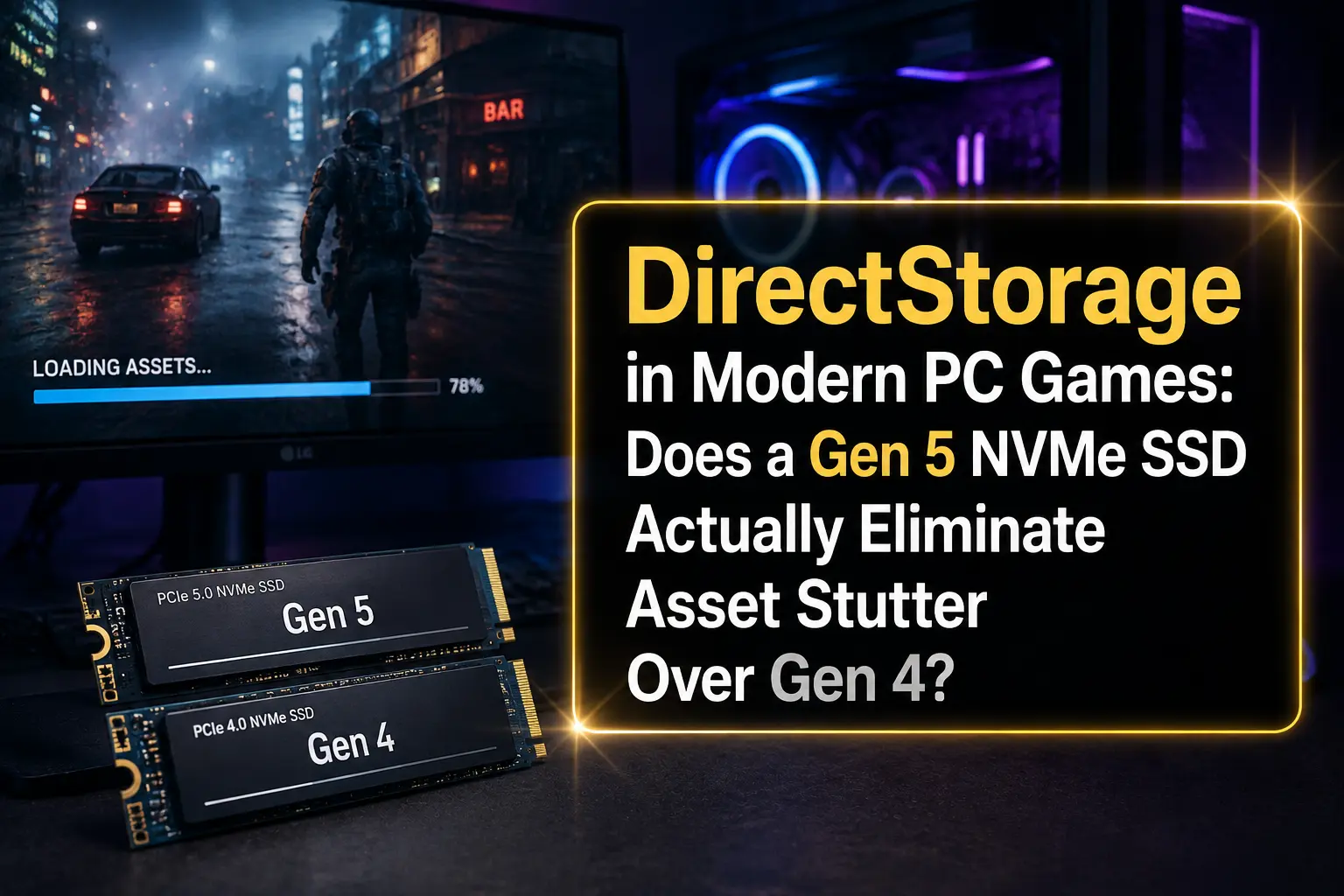
Somewhere right now, a guy is staring at a CrystalDiskMark result that says 14,900 MB/s, feeling like he just strapped a rocket to his PC. Five minutes later he's in a modern open-world game and a texture still pops in half a second late, right in front of his face, like the SSD never even showed up to work. That contradiction is basically the whole article.
Gen 5 NVMe drives are fast. Genuinely, stupidly fast on paper. But "fast on paper" and "no more stutter in games" are two very different promises, and DirectStorage sits right in the middle of that gap, quietly doing a job most gamers have never actually seen explained properly.
Fast Answer
No, a Gen 5 NVMe SSD does not eliminate asset stutter on its own. DirectStorage moves the bottleneck away from raw sequential storage speed and toward the CPU, the GPU's decompression engine, and how well the game engine manages its asset streaming queue. On a mid-range GPU, a good Gen 4 drive and a good Gen 5 drive will load textures at almost identical real-world speed in most 2026 titles, because the SSD was rarely the thing holding you back in the first place.
What Actually Happens When a Game Asks for a Texture
Stutter feels random, but it isn't. It's the visible symptom of a data pipeline that got asked to do too much, too fast, in too small a window of time. Understanding that pipeline is the only way to know whether new storage hardware actually helps.
The Journey a Compressed Asset Takes
- The game engine decides it needs a texture, model, or audio chunk, usually because you turned your camera or crossed a loading trigger.
- A read request is sent to the NVMe drive, which pulls the compressed data off the flash memory.
- The data has to be decompressed somewhere, either on the CPU the old-fashioned way, or on the GPU if the game and hardware support GPU decompression.
- The decompressed asset is copied into VRAM so the GPU can actually render it on screen.
Before DirectStorage existed, step 3 almost always happened on the CPU, and that single step was the real villain behind most asset stutter. The SSD could hand over data instantly and it still didn't matter, because the CPU thread doing the unpacking was busy, or slow, or fighting for cycles with everything else the game needed that frame.
DirectStorage Didn't Remove the Bottleneck. It Relocated It.
This is the part most marketing skips over. Microsoft's own DirectX team designed DirectStorage 1.0 to fix the transfer path between storage and system memory, then added GPU decompression in version 1.1 so the CPU could stop being the middleman entirely. That's a real architectural change, not a marketing label. But moving decompression to the GPU doesn't make storage bandwidth infinite, and it doesn't make every game engine smart about how it streams assets. It just shifts the question from "how fast is my CPU at unzipping textures" to "how fast is my GPU's compute queue, and how well did the developers tune their streaming distances." That second question has almost nothing to do with whether your SSD is Gen 4 or Gen 5.
Table 1: PCIe Bandwidth by Generation
| PCIe Generation | Per-Lane Speed | x4 Slot (typical NVMe) | x16 Slot (typical GPU) |
|---|---|---|---|
| PCIe 3.0 | ~0.98 GB/s | ~3.9 GB/s | ~15.75 GB/s |
| PCIe 4.0 | ~1.97 GB/s | ~7.9 GB/s | ~31.5 GB/s |
| PCIe 5.0 | ~3.94 GB/s | ~15.8 GB/s | ~63 GB/s |
Those numbers look dramatic on a spec sheet, and the theoretical PCIe ceiling really did double. The seperate problem is that almost nothing in a modern gaming rig actually saturates that bus during real gameplay, which is the part every "double the speed" headline conveniently leaves out.
Where Mid-Range GPUs Actually Fit Into This
If you're running an RTX 4060, RTX 5060, or something in that tier, chances are you already read our piece on PCIe 4.0 x8 vs x16 on mid-range GPUs, and the conclusion there rhymes with this one. Mid-range cards don't push enough data across the bus for lane width to matter much at 1440p, and the same logic applies to the storage side of the equation. A GPU that isn't bandwidth-starved on the graphics bus almost never becomes bandwidth-starved waiting on textures from an NVMe drive either, because both problems trace back to the same root cause: current games just don't move that much data per frame.
Table 2: Gen 4 vs Gen 5 — What Actually Changes in Gameplay
| Metric | PCIe 4.0 Drive (e.g. Samsung 990 Pro) | PCIe 5.0 Drive (e.g. Crucial T705) |
|---|---|---|
| Sequential read | ~7,450 MB/s | ~14,900 MB/s |
| Typical game load screen | Within 1-2 seconds of Gen 5 | Marginally faster, rarely noticeable |
| Open-world texture pop-in | Depends on engine, not drive | Depends on engine, not drive |
| Heat under sustained load | Low, runs fine passively in most cases | Higher, often needs a real heatsink |
| Price per TB | Lower | Noticeably higher |
The CPU Still Matters More Than People Assume
Even with GPU decompression available, plenty of games still lean on the CPU for parts of the asset pipeline, especially anything that hasn't fully adopted DirectStorage's newer paths. If your CPU is also busy juggling Discord, a browser, an overlay, and whatever background sync tool decided now was a great time to run, that's contention your storage speed can't fix. We actually broke down how much of your system's headroom background apps quietly eat in our piece on Discord, OBS, and Chrome memory usage while gaming, and the same logic applies to CPU cycles during asset streaming.
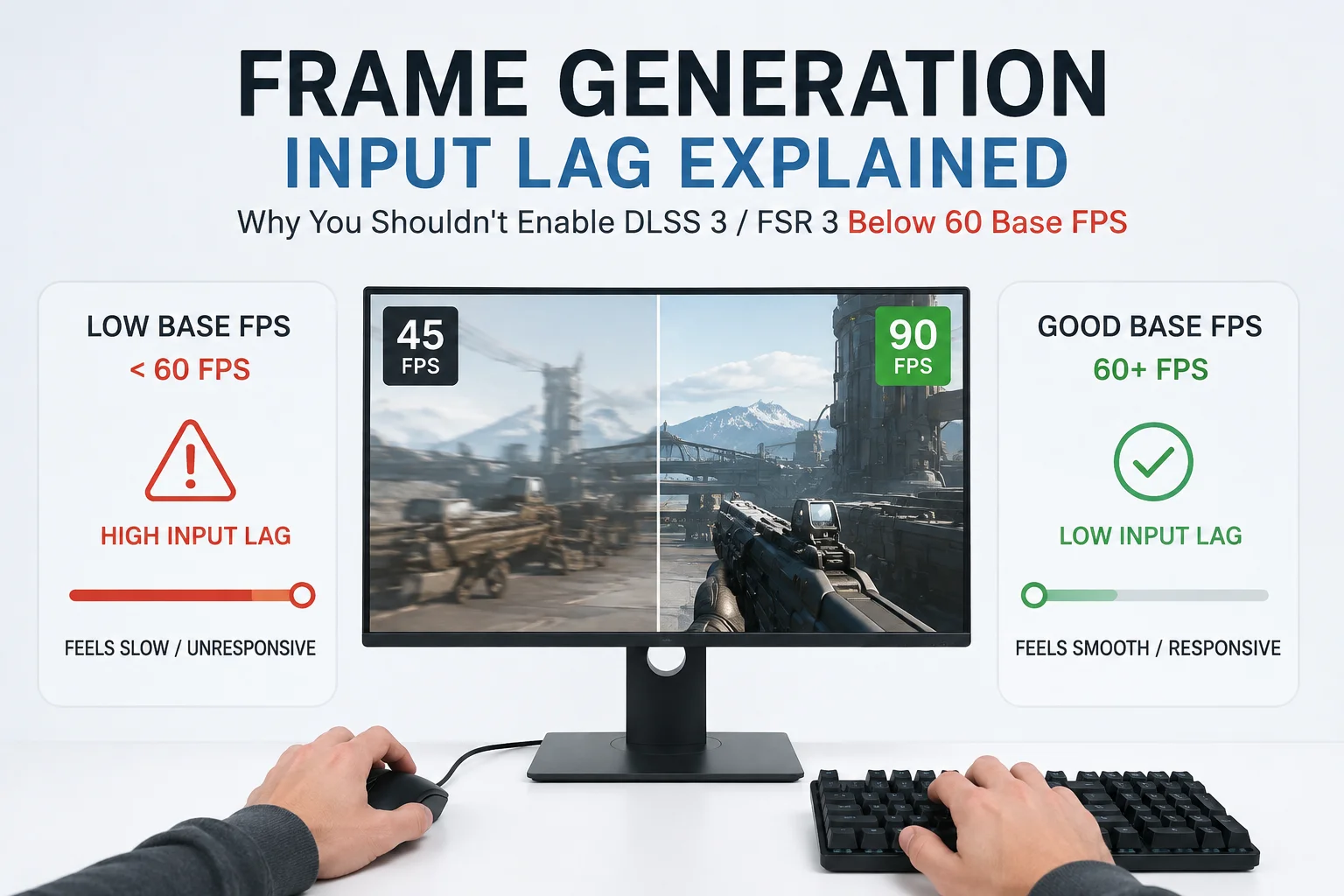
Frame pacing issues compound this further. If you've read our breakdown of why frame generation feels sluggish under 60 native FPS, you already know that stutter often isn't one single cause, it's several small delays stacking on top of each other until they become visible. Asset streaming hiccups are exactly the same story: a slightly late texture, a busy CPU thread, and a decompression queue that's backed up all show up as the same symptom on screen, even though only one of them has anything to do with your SSD.
Pros and Cons of Buying a Gen 5 NVMe SSD for Gaming
Pros
- Genuinely useful for large sequential transfers, like installing 150GB games faster or copying huge asset folders.
- Future-proofing if the next wave of DirectStorage titles leans harder on raw bandwidth.
- Lower latency on some models can shave a small but real amount off level load screens.
- Bragging rights and satisfying benchmark numbers, which, fine, is a legitimate hobby.
Cons
- Runs hotter, and many boards need an active heatsink to avoid thermal throttling under sustained writes.
- Costs significantly more per gigabyte than a top-tier Gen 4 drive.
- Requires a PCIe 5.0 M.2 slot to actually run at full speed; drop it into a Gen 4 slot and it just becomes an expensive Gen 4 drive.
- Delivers almost no measurable improvement in frame-time stutter compared to a good Gen 4 drive in nearly every current game.
When Gen 5 Storage Actually Earns Its Keep
This isn't a "never buy Gen 5" article. There are real, non-gaming reasons it makes sense: video editors scrubbing through massive 8K footage, developers compiling huge codebases, or anyone regularly moving multi-terabyte datasets around. The PCI-SIG spec itself was built with those workloads in mind as much as gaming, and for them the doubled bandwidth is very real money saved in time.
For gaming specifically, the closest thing to a legitimate use case is a heavily modded open-world game with uncompressed high-res texture packs, or a future title built from the ground up around aggressive GPU decompression, similar to what NVIDIA's RTX IO initiative was designed to enable back when DirectStorage first launched on PC.
Alternatives to Buying a Gen 5 Drive
- Put the money into a bigger, faster Gen 4 drive instead. Capacity and free space affect real-world responsiveness more than raw sequential speed does.
- Upgrade RAM or free up background memory usage before touching storage; a starved system will stutter regardless of SSD generation.
- If you're deciding between a full rebuild and a targeted upgrade, our guide on upgrading vs building new in 2026 walks through where your money actually buys smoother gameplay.
- Check that your current Gen 4 drive isn't nearly full. NVMe performance can dip noticeably once a drive passes roughly 80-85% capacity, and that dip is often mistaken for a "slow drive" problem.
Quick Tips Before You Spend the Money
- Confirm your motherboard actually has a native PCIe 5.0 M.2 slot before buying a Gen 5 drive, some boards only expose Gen 5 on the slot closest to the CPU, and some share lanes with your GPU slot.
- Don't judge a drive by sequential read alone, random 4K performance affects how snappy a game feels far more than a big headline number ever will.
- Watch upcoming titles built specifically around DirectStorage 1.2 and later, since that's where bandwidth headroom will actually start to matter, if it ever does at scale.
- If stutter is your actual complaint, check CPU usage and background app load first. Storage is rarely the first thing worth troubleshooting, even though it's the easiest thing to blame.
- Games that still need to grow into this kind of storage demand, like the upcoming GTA 6 PC release, are exactly the titles worth watching to see whether Gen 5 finally starts paying off.
What The Independent Testing Keeps Finding
Across most SSD reviews published through 2026, the pattern repeats: top Gen 4 drives load games within a second or two of Gen 5 drives, while Gen 5 pulls ahead mainly in large file transfers and content creation work, not gameplay smoothness. That consistency across different testers and different games is exactly why this isn't really a controversial claim anymore, its just not the story marketing wants to tell.
Final Words
If you're building a gaming-first PC around a mid-range GPU, a high-quality PCIe 4.0 NVMe drive with enough capacity will feel exactly as smooth as a Gen 5 drive in the vast majority of 2026 titles. DirectStorage changed where the bottleneck lives, moving it off raw storage bandwidth and onto the CPU, the GPU's decompression path, and how well a game engine actually streams its assets. Buy Gen 5 if you have a genuine non-gaming workload that needs it, or if you simply want the fastest number on the box. Buy a great Gen 4 drive if your only goal is smoother gameplay, and put the price difference toward a better GPU instead, since that's still the part of your PC actually rendering the frame the texture shows up in.


Comments 0
Be the first to comment!