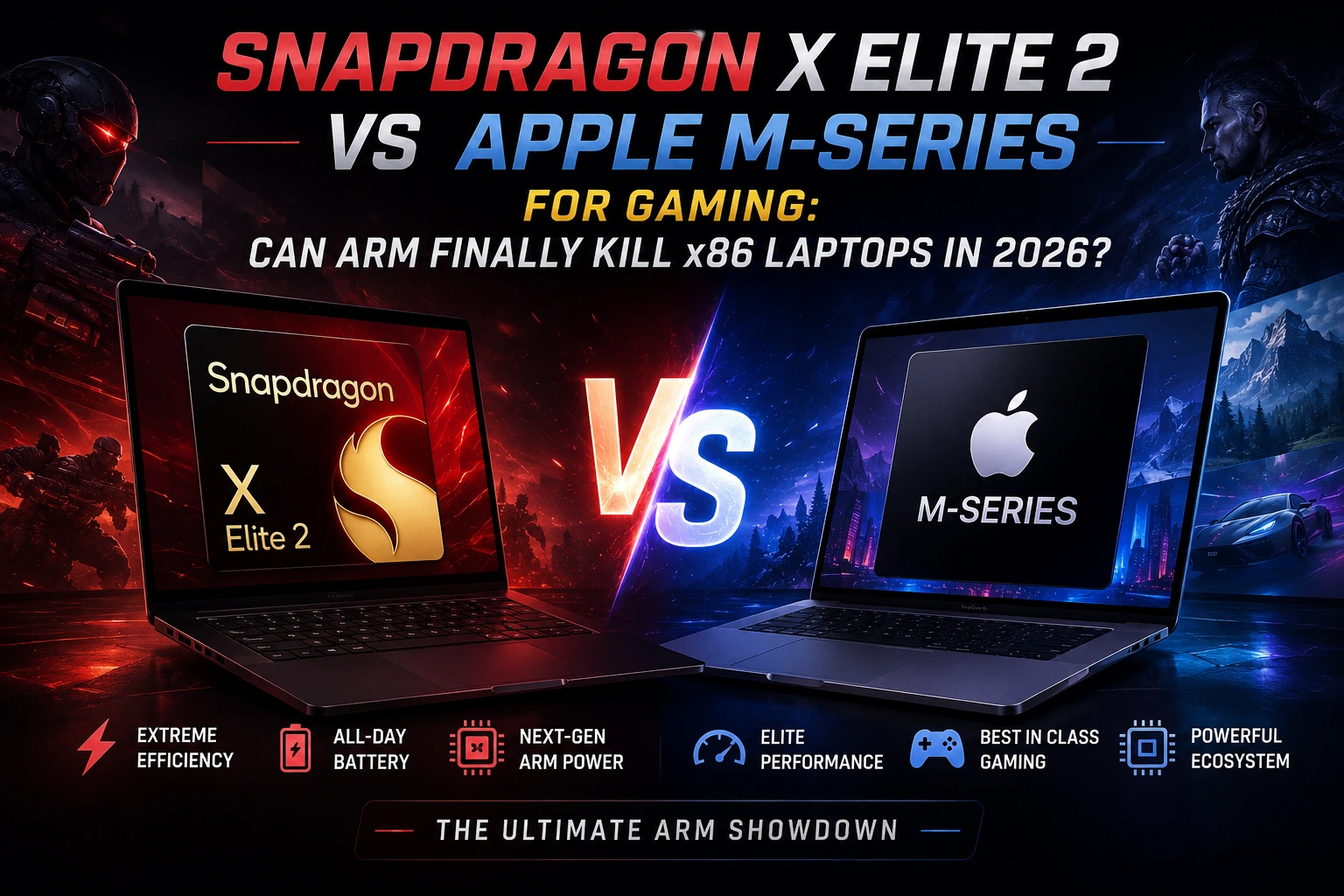
Two years ago, putting "ARM" and "gaming laptop" in the same sentence was basically a joke. The first Snapdragon X Elite choked on half the games you threw at it, and MacBooks were the machine you brought to the office, not the one you brought to a LAN party. That's not really true anymore, and it happened faster than most of us expected.
With the Snapdragon X2 Elite now shipping in real laptops and Apple's M5 family settled into MacBook Pro and MacBook Air lineups, both camps are making a genuine case for ARM gaming. This article breaks down what's actually changed, where each platform still falls short, and whether you should trust either one over a traditional x86 gaming laptop in 2026.
The Snapdragon X2 Elite closes most of the gap with x86 in raw CPU work and finally offers a GPU that doesn't collapse under real games, but Windows on ARM still leans on the Prism emulator for a chunk of the Windows game library. Apple's M5 series is faster and more consistent when a game is compiled natively for Apple Silicon, yet the list of native AAA titles is still short, and anti-cheat-heavy multiplayer games mostly refuse to run at all. Neither one beats a proper RTX-equipped x86 gaming laptop for pure frame rate — but for thin, fanless-adjacent machines that game as a side feature, ARM is no longer a bad joke.
So Now Why This Fight Matters Right Now
Back in 2022, Canalys predicted ARM chips would grab roughly 30% of the entire PC market by 2026. That number looked wildly optimistic at the time. Now that we're actually in 2026, it's not far off, and a big part of that shift comes down to the same manufacturing gains we've covered on the phone side in our 2nm vs 3nm phone processors breakdown — smaller process nodes translate directly into more performance per watt, and that's exactly the lever both Qualcomm and Apple are pulling for laptops, according to Tom's Hardware.
Gaming is the last real holdout. Productivity apps, browsers, and creative tools have mostly gone native on ARM already. Games are stubborn because they're built on decades of x86-specific code, kernel-level anti-cheat drivers, and GPU drivers tuned for Nvidia and AMD hardware — none of which ports over cleanly.
The Old ARM Problem: The Emulation Tax
The first-generation Snapdragon X Elite had two real bottlenecks. First, a huge slice of the Windows game library simply wouldn't launch, and when it did, Microsoft's Prism emulator often introduced stutter and dropped frames that made even simple titles feel broken. Second, the Adreno GPU inside that chip was never built with gaming as a priority — it was a productivity part wearing a gaming costume.
Apple faced a mirror-image version of the same issue. Apple Silicon has always been fast, but almost no major Windows game shipped a native macOS build, so Mac gamers were stuck using Wine-based tools like Crossover, translating DirectX calls to Metal on the fly and losing performance in the process.
What Changed With the Snapdragon X2 Elite
Qualcomm's second-generation chip is a genuinely different animal. It's built on a 3nm process with a third-generation Oryon CPU, scaling up to 18 cores and boosting to 5.0GHz on the flagship X2 Elite Extreme. Qualcomm's own numbers claim up to 75% faster CPU performance than competing x86 chips at matched power draw, and third-party testing from NotebookCheck's independent review broadly backs that up in multi-core workloads.
The Adreno X2 GPU: Built for Gaming This Time
This is the actual headline. The new Adreno X2-90 GPU runs at 1.85GHz with a slice-based architecture, full DirectX 12.2 Ultimate support, Vulkan 1.4, and mesh shading — things the first-gen chip simply lacked. Qualcomm rates it at 2.3x the performance-per-watt of the previous Adreno X1, and it finally ships with a dedicated 18MB high-performance cache aimed squarely at reducing the stutter that plagued the original chip. Full specs are laid out in Qualcomm's official Snapdragon X2 Elite product brief.
Real-world testing paints a mixed but genuinely improving picture. Older titles and esports games run smoothly, sometimes hitting well over 60fps. Heavy AAA games at max settings are a different story — Cyberpunk 2077 and Monster Hunter Wilds have both been clocked crawling into the 10-15fps range at native resolution, which means you're still turning settings down, not maxing them out.
Apple's M-Series Approach: Native by Design
Apple never chased Windows compatibility. Instead it leaned on developers adopting Metal directly, and that bet is finally paying dividends. The M5 chip — 10-core CPU, 10-core GPU, built on a 3nm-class process — now runs a real (if still limited) library of native titles including Baldur's Gate 3, Civilization VII, Hades, Palworld, and World of Warcraft, the last of which hit nearly 87fps natively in recent testing. Full configuration details sit in Apple's official M5 MacBook Pro tech specs.
Step up to M5 Pro or M5 Max and the numbers jump considerably — up to 40 GPU cores on the Max model. In one widely cited test, the M5 Max ran Cyberpunk 2077 above 60fps at 1440p Ultra with zero upscaling, entirely native. Even Windows-only games running through the Crossover translation layer have shown surprisingly playable results on the M5 Max, according to NotebookCheck's Windows-on-Mac gaming tests, which is honestly the more impressive number given the translation overhead involved.
Head-to-Head: The Specs That Actually Matter
| Spec | Snapdragon X2 Elite Extreme | Apple M5 / M5 Pro / M5 Max |
|---|---|---|
| Process node | 3nm (TSMC) | 3nm-class (TSMC) |
| CPU cores | Up to 18 (12 Prime + 6 Performance) | 10 (M5) up to 18 (M5 Max) |
| Boost clock | Up to 5.0GHz | Up to 4.61GHz |
| GPU | Adreno X2-90, DX12.2 Ultimate, Vulkan 1.4 | Up to 40-core, Metal 4 |
| NPU / Neural engine | 80 TOPS Hexagon NPU | Neural Engine + GPU AI accelerators |
| Memory bandwidth | Up to 228GB/s | Varies by tier, higher on Max |
| OS / gaming layer | Windows 11 on ARM + Prism emulator | macOS, native Metal or Crossover |
Real Gaming Benchmarks: Native vs Emulated
Numbers move fast in 2026, and OEM tuning changes results from laptop to laptop, so treat these as a general shape rather than gospel. They're pulled from a mix of independent reviewer testing across both platforms.
| Game | Snapdragon X2 Elite Extreme | Apple M5 Max (native, where available) |
|---|---|---|
| Cyberpunk 2077 | 10–15fps at max settings/native res | 60fps+ at 1440p Ultra, no upscaling |
| World of Warcraft | Playable at 1080p, 60fps+ | ~87fps native |
| Baldur's Gate 3 | Runs via emulation, mid framerates | Native, smooth |
| Metro Exodus | Moderate, dips in dense scenes | 60–80fps early scenes |
| Esports titles (Dota 2, WoW, etc.) | Generally strong, 60fps+ | Generally strong, native |
The pattern is consistent: light and mid-tier games are genuinely fine on both platforms now. Heavy, GPU-bound AAA titles still separate the two — Apple wins when a game has a native build, Snapdragon wins on raw Windows compatibility even if the frame rate isn't pretty.
Battery Life and Thermals: Where ARM Still Wins
This is still the actual selling point of both chips, and it's easy to lose sight of that in a benchmark chart. Neither Snapdragon X2 Elite nor Apple M5 laptops need the loud, hot cooling systems that dedicated gaming laptops rely on. You lose peak frame rate, but you gain a machine that can realistically last a workday and still squeeze in an hour of gaming on battery without the fans screaming.
It's the same trade-off you see play out in the handheld space — if you've read our Legion Go 2 vs Steam Deck comparison, you already know that battery efficiency and raw gaming power are almost always pulling in opposite directions. ARM laptops are essentially applying that same handheld philosophy to a 14-inch chassis.
The Anti-Cheat and Compatibility Wall
Here's the part marketing slides tend to skip. On macOS, a long list of major multiplayer titles simply won't run at all, not because of raw performance but because their anti-cheat systems were never built for the platform — Fortnite, Valorant, and most Call of Duty entries fall into this bucket. If your game library leans multiplayer-shooter-heavy, an M-series Mac is the wrong tool regardless of how fast the chip is.
Windows on ARM has a related but slightly different problem. Because it's still Windows, more anti-cheat vendors are actively working on ARM64 support, and Microsoft has pushed hard to get popular titles running through Prism. But kernel-level anti-cheat drivers that haven't been recompiled for ARM can still block a game outright, and it's not always obvious which titles will hit that wall until you try. This is the same compatibility uncertainty we flagged when covering Valve's own hardware pivot in our Steam Machine vs Gaming PC breakdown — new architectures always carry a "check before you buy" tax.
Pros and Cons
Snapdragon X2 Elite
- Pros: Massive multi-core CPU gains, genuinely capable GPU for the first time, huge NPU for on-device AI, strong battery life, broad Windows software compatibility for non-gaming apps.
- Cons: AAA gaming at high settings still weak, some anti-cheat titles unsupported, driver maturity still behind Nvidia/AMD, emulation overhead on non-native apps and games.
Apple M-Series (M5 / M5 Pro / M5 Max)
- Pros: Best-in-class efficiency, excellent native game performance where supported, Metal 4 and MetalFX upscaling matured nicely, strong sustained thermals on Pro/Max chassis.
- Cons: Small native game library, most competitive multiplayer shooters are simply absent, Crossover/emulated Windows games lose performance, no upgrade path, premium pricing.
Handheld and Desktop Alternatives Worth Considering
If gaming is your primary use case rather than a bonus feature, neither ARM chip is really the endpoint yet. Handheld gaming PCs still run full x86 hardware for a reason — our Legion Go 2 vs Steam Deck guide covers why that architecture choice still matters for compatibility. And if you're building or upgrading a desktop instead, a dedicated GPU will out-game either chip by a wide margin; our best budget GPUs for 1440p gaming roundup is a good place to start if pure frame rate is the goal.
Verdict Box
ARM hasn't killed x86 laptops in 2026, but it's stopped being a punchline. The Snapdragon X2 Elite is the better pick if you live in the Windows ecosystem and want long battery life with occasional gaming. Apple's M5 lineup is the better pick if you're already committed to macOS and mostly play native or older titles. If competitive multiplayer or maxed-out AAA settings are non-negotiable, both platforms still ask you to compromise — and a traditional RTX-powered x86 laptop remains the safer buy.
Frequently Asked Questions
Can the Snapdragon X2 Elite run games without emulation?
Yes, a growing number of native ARM64 Windows games exist, and Steam and Xbox app support has matured a lot in 2026. But a large portion of the library, especially older or niche titles, still relies on the Prism emulator, which carries a real performance cost.
Is Apple M5 good enough for serious PC gaming?
It's good for native Apple Silicon titles and casual to mid-demand games. For serious AAA and competitive multiplayer gaming, it's still a secondary option rather than a replacement for a Windows gaming laptop.
Which is faster, Snapdragon X2 Elite or Apple M5?
It depends on the workload. The Snapdragon X2 Elite Extreme generally wins multi-core CPU tasks and matches or edges the M5 in some GPU synthetic benchmarks like 3DMark Steel Nomad. Apple still tends to lead in single-core performance and in native game frame rates.
Do Fortnite and Valorant run on ARM laptops?
Not on macOS — anti-cheat restrictions block them entirely. On Windows on ARM, support varies by title and changes frequently as vendors add ARM64 builds, so it's worth checking current compatibility before assuming a specific game works.
Should I buy an ARM laptop instead of a gaming laptop?
Only if battery life, portability, and everyday tasks matter more to you than peak frame rates. If gaming performance is the priority, a dedicated x86 gaming laptop or desktop with a proper GPU is still the more reliable choice in 2026.
Final Thoughts
The gap hasnt closed completely, but its closing faster than most people in the PC space expected two years ago. Both Qualcomm and Apple have built chips that treat gaming as a real workload instead of an afterthought, and that alone is a shift worth paying attention to. Whether ARM actually "kills" x86 laptops depends less on silicon at this point and more on how fast game studios and anti-cheat vendors keep shipping native builds — and that's a software race, not a hardware one.

Comments 0
Be the first to comment!