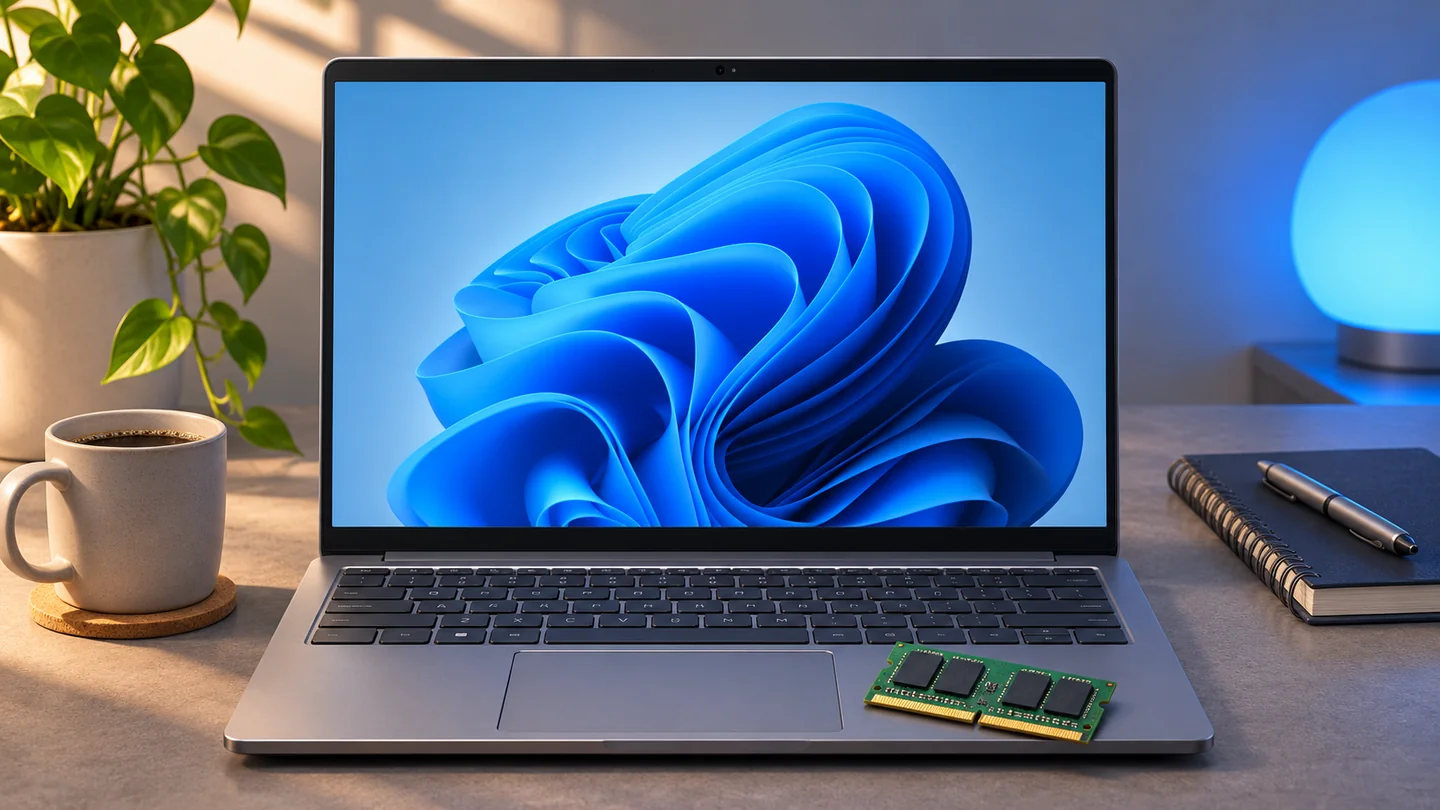
Microsoft detailed a set of Windows 11 and app updates on November 3 that aim to make everyday work smoother on PCs with 8 GB of RAM. The changes address what happens when the operating system, a browser and several desktop apps all compete for memory. That combination is common on an inexpensive laptop used for classes, spreadsheets or video meetings. Microsoft’s November update announcement
What changes on an 8 GB PC
On PCs with 8 GB of RAM or less, Windows loads Widgets when you open the panel. Microsoft says this reduces memory commitment by about 200 MB while the panel is closed. Edge also moved its default wait before putting inactive tabs to sleep from two hours to 15 minutes. Microsoft says changes across Windows, Edge and Microsoft 365 reduced the growth in committed memory by up to 900 MB during a particular multitasking test. Committed memory measures memory that Windows has promised to back. It differs from the amount of physical RAM currently occupied. Microsoft’s memory improvements and test notes
Where the 40% figure comes from
Microsoft measured up to 40% faster completion of a scripted sequence on a specific 8 GB laptop with a Snapdragon X Plus processor. The workload opened 20 Edge tabs, a 4K video, large Office documents, Outlook and File Explorer, keeping everything open as it went. The result is tied to that sequence and the software builds tested. For readers who want to assess their own machine, repeat the same work before and after the update and compare how long app switching takes or how often browser tabs need to reload. Microsoft’s test methodology
How to check for the changes
Microsoft points to Windows 11 version 26H2, build 26300.9818 or later, for the latest performance and memory changes. Open Settings → Windows Update and select Check for updates. Run winver to see your current version and build. Keep Edge, Microsoft 365 and Teams current because some of the changes ship through individual apps. Availability can vary by region and device. Microsoft’s update instructions
The biggest everyday benefit is likely to show up on machines that frequently run short of memory during routine multitasking. Heavy video projects, virtual machines and large datasets can still benefit from more physical RAM, especially when several demanding apps run at the same time.


Comments 0
Be the first to comment!