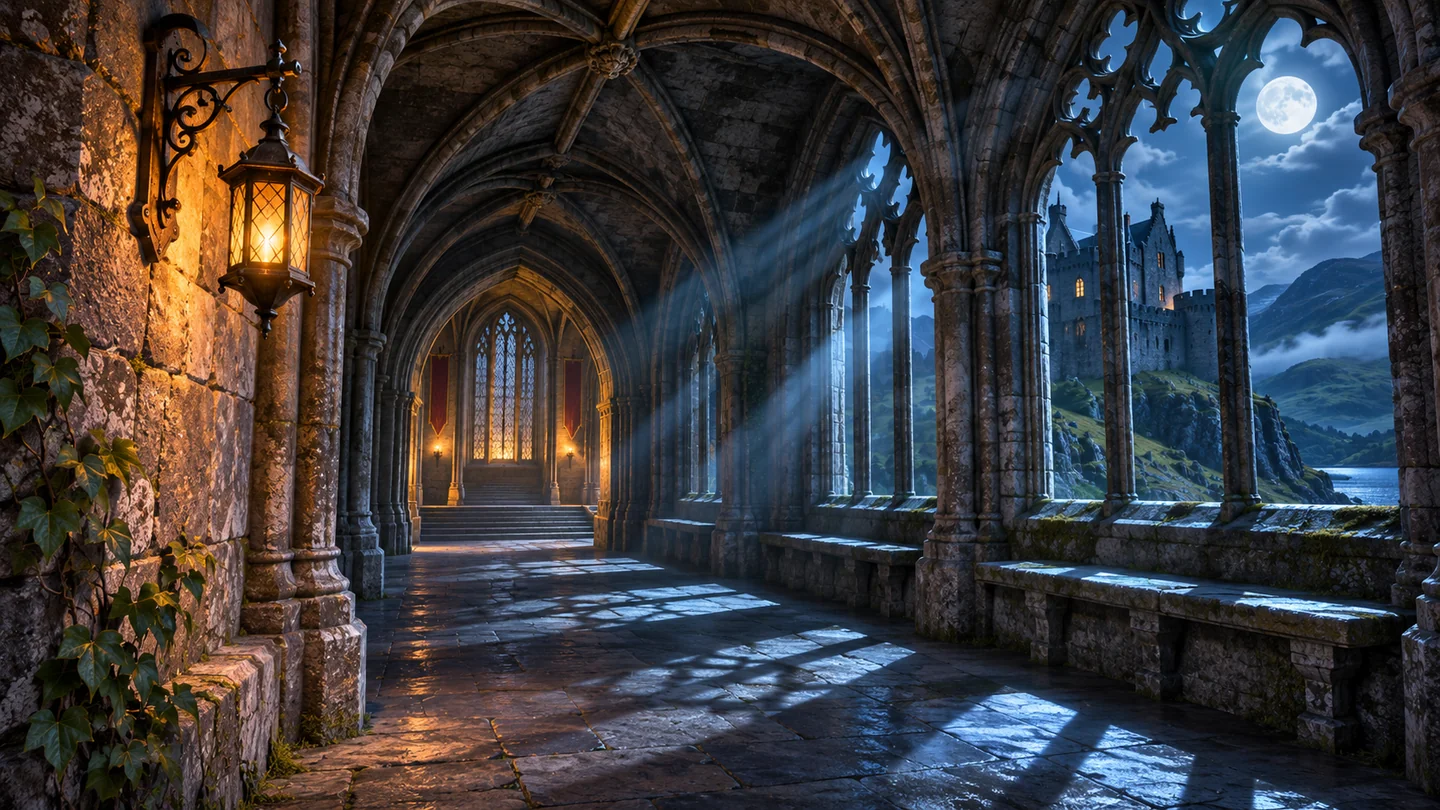
Avalanche Software’s November 5 PC patch for Hogwarts Legacy adds NVIDIA’s DLSS 5 Neural Rendering. The feature changes how the finished scene presents lighting and materials and is off by default. The same update adds Intel XeSS Multi-Frame Generation support and introduces optimized settings for Steam Deck OLED and Steam Machine. Official patch notes on Steam
What the new option changes
NVIDIA says the system uses the game’s rendered frames and motion data to enhance the lighting and appearance of surfaces. Its official comparisons show deeper shadows in recessed archways and more visible texture on stonework and roofs. Avalanche used developer controls to tune the environment while preserving how characters are represented. Those published examples illustrate the intended effect. Different scenes and display settings can make the difference more or less noticeable. NVIDIA’s technical overview and comparisons
DLSS Super Resolution reconstructs a higher-resolution image. Frame generation inserts intermediate frames to increase displayed frame rate. Neural Rendering adds a separate step for lighting and materials. You can compare its effect by keeping resolution, upscaling and frame-generation settings constant and changing only the Neural Rendering toggle.
Which systems can use it?
The official patch notes specify a supported GeForce RTX 50 Series GPU and Game Ready driver 616.64 or later for the local PC option they describe. NVIDIA also lists RTX Spark PCs and GeForce NOW Ultimate. After updating the game on a supported setup, open the in-game options and enable Neural Rendering. The patch’s other features, such as its XeSS changes, have their own requirements. Official patch notes on Steam · NVIDIA platform details
How to compare it on your PC
Use a repeatable route with both a dim interior and an outdoor area. Compare the same scenes with the option off and on, and pay attention to shadows, reflections and performance during camera movement. NVIDIA’s published maximum frame rates combine Neural Rendering with several other technologies, including Multi Frame Generation. They cannot isolate the performance cost of this one setting. A side-by-side run with the same graphics settings gives you a clearer picture of how it looks and feels on your system. NVIDIA’s benchmark configuration

Comments 0
Be the first to comment!